Answer
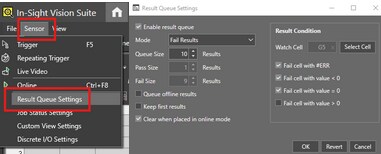
First step, please enable the Result Queue Settings from In-Sight Vision Suite and select a “Watch Cell” as a Result Condition.
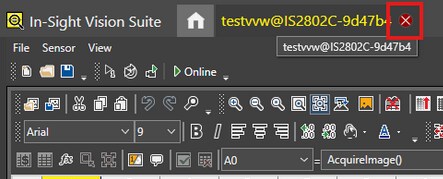
Close the camera tab on In-Sight Vision Suite:
- Then on the VisionView Web Panel, plug in a USB stick, connect the camera to the panel, and finally turn on the panel.
- Set the camera to OFFLINE mode
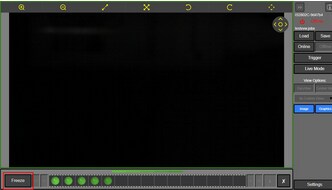
Click on the FREEZE button (bottom left corner) :
Click on the “Download” button, then select “This PC”, and click on “Save All” :
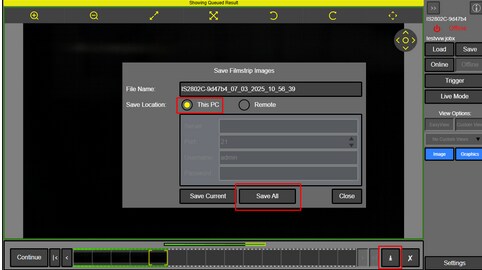
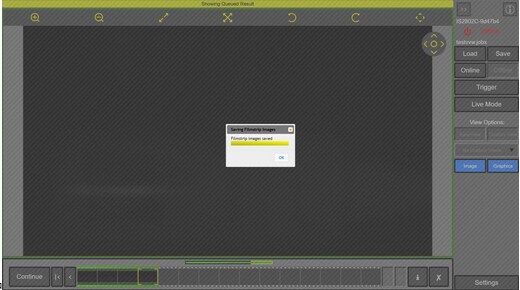
- The filmstrip images will be saved onto the USB stick :