Details
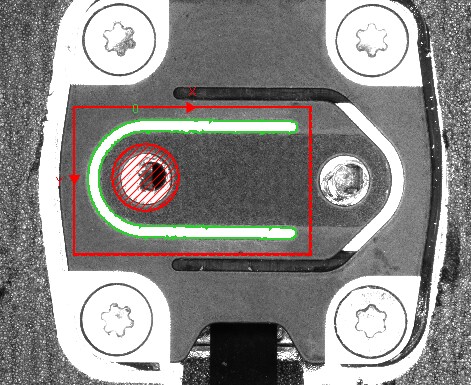
Sometimes we may encounter below situation:
There are two Blob results with similar areas in the Blob search region. How can we ignore the one in the center?
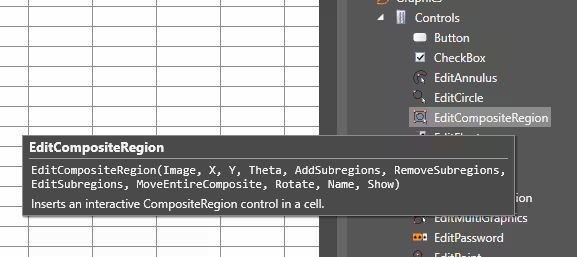
Step1: Add an EditCompositeRegion tool
Step2: Add a circle region, then select operation to subtract
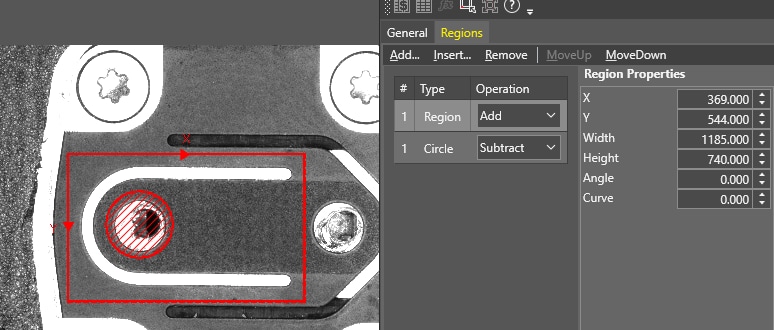
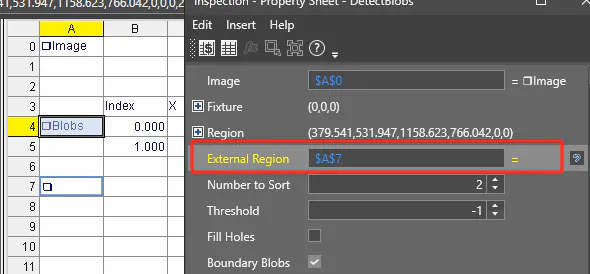
Step3: Back to Blob tool, and link External Region to the cell of EditCompositeRegion, once you enable External Region, the previous Region you selected will be disabled.
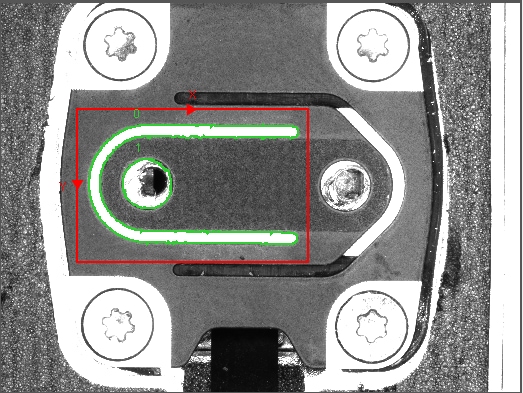
Step4: After that, there will be only one blob result found in your search region