Details
How to switch IS2801 jobs through Native Command
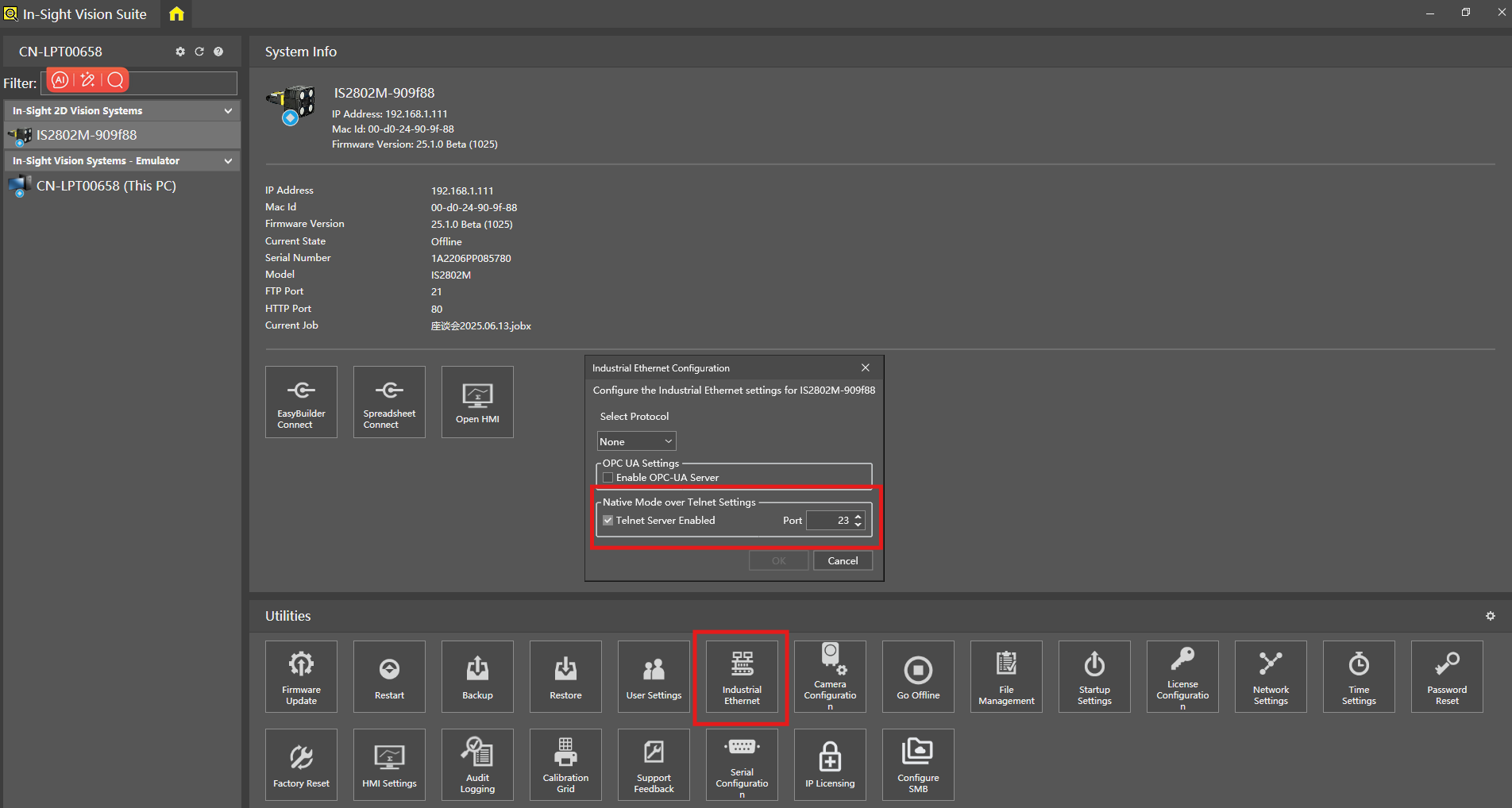
Enable "Native Mode" in Industrial Ethernet, set port = "23"
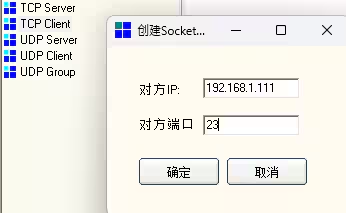
Open "TCP Socket", and create "TCP Client"; Input the IP address of IS2801 and the port
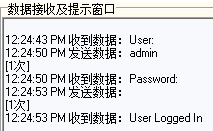
click "connect" then input the User and Password, User = "admin", Password = ""
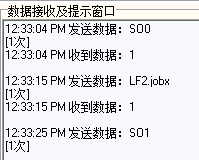
Native command: SO0="switch IS2801 from online mode to offline mode", LFxxx.jobx="switch to xxx.jobx", SO1="switch IS2801 from offline mode to online mode"