
Question
How to fix missing application setup steps in EasyBuilder View of In-Sight Vision Suite? Only Image step is visible in EasyBuilder.
Answer
This article will guide the user to fix the missing application setup steps (Inspect, Communication, Inputs/Outputs & HMI) in EasyBuilder View of In-Sight Vision Suite software. (Only Image Step is visible).
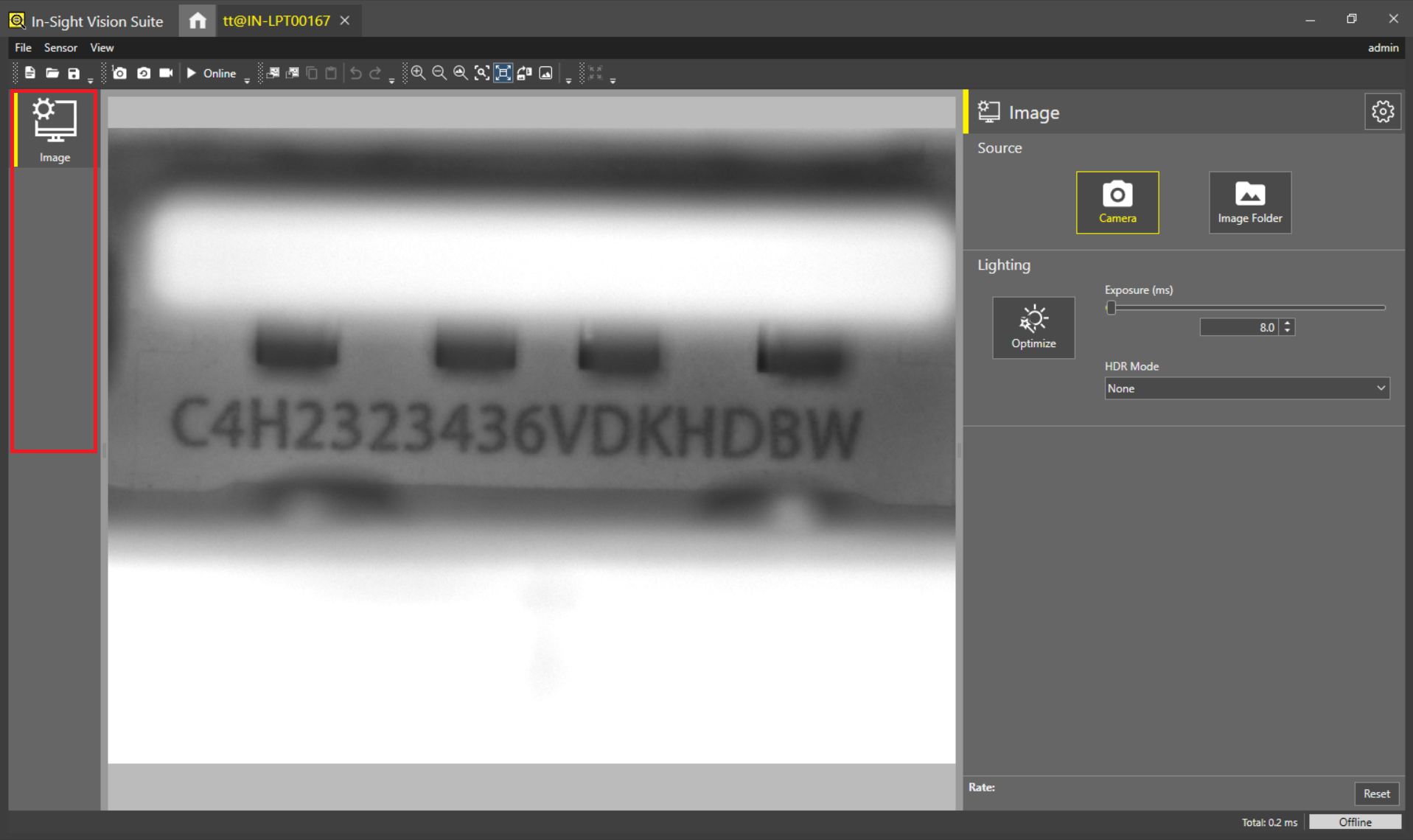
There could be 2 different reasons of missing application setup steps in EasyBuilder View of In-Sight Vision Suite software.
Reason 1: If user is opening Spreadsheet job file in EasyBuilder View.
Reason 2: If user was working on Spreadsheet View (Spreadsheet Connect) prior to EasyBuilder View (EasyBuilder Connect) without closing the In-Sight Vision Suite software.
How To Fix:
Creating a new job file in EasyBuilder View will immediately fix this application setup missing step issue in In-Sight Vision Suite software.
Creating a new job file: File>New
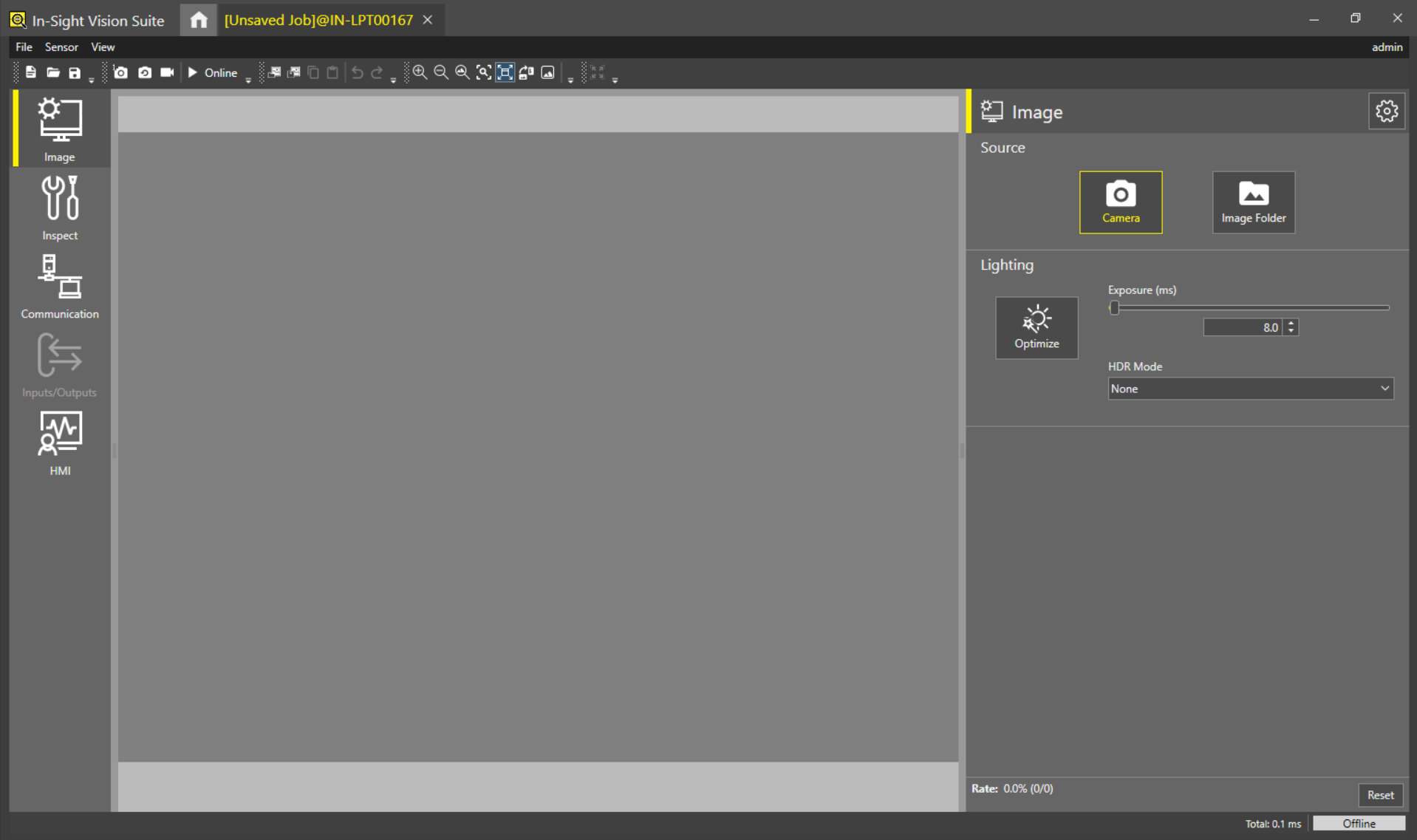
Note: If job file is created in SpreadSheet View then that job file cannot be converted into EasyBuilder View but vice-versa is possible.