Details
This document illustrates how to use the Trigger() function in In-Sight Vision Suite to implement a Burst Mode style trigger type.
The Trigger() function is located under Input/Output in the Function tab.
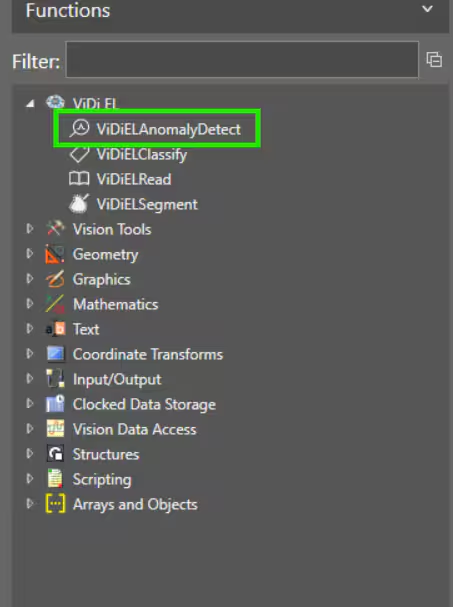
Insert the function in a cell to access the Property Sheet.
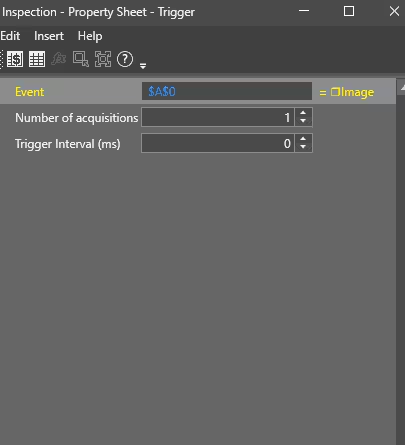
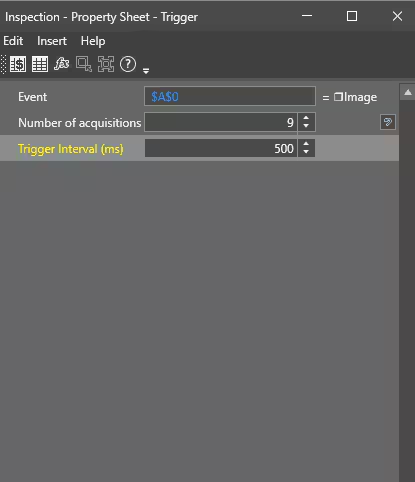
The first property is an event. By default, the Image Acquisition but could be any other event. The second property is the number of images to acquire in a burst. The third is the interval between each image.
Using Single mode triggering on the camera. The example below would mean that, once the camera is triggered, it will immediately acquire one image and then start a sequence of nine more images with 500 ms interval.