Details
After the EL Read tool or ReadID tool reads characters, it sometimes needs to write them to a file for storage. The following example shows how to write characters from EL Read into an excel file.
- Setup EL Read tool
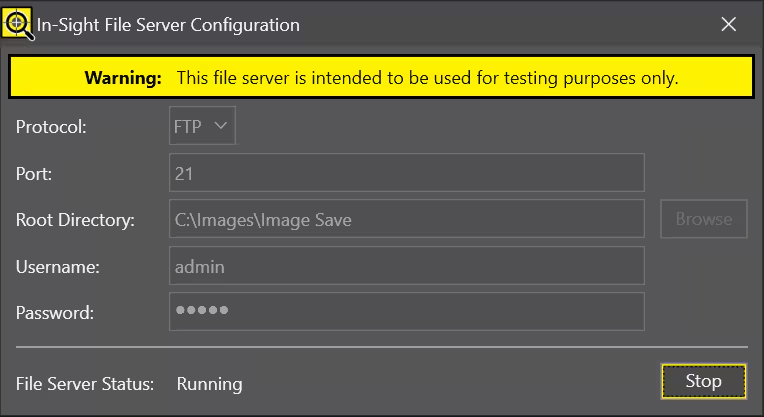
Setup FTP Server (we have intergrated FTP server from ISVS 25.3.0)
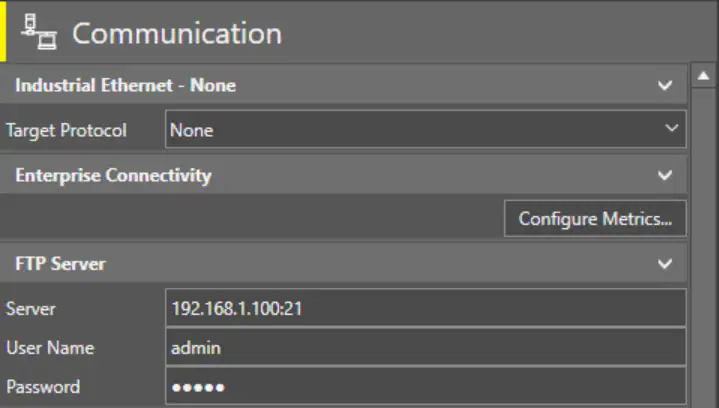
Go to Communication, connect to FTP Server. Server is the address of your PC's Ethernet port.
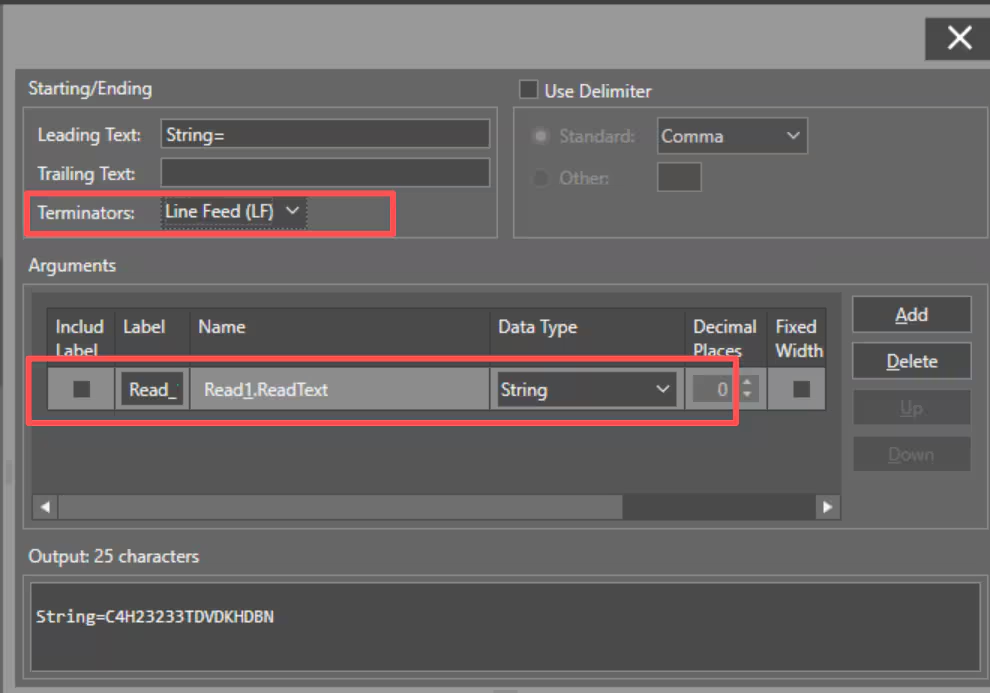
- Setup Write File, select Storage as FTP Server, File Type as CSV, and Write Type as Append because we want to save all the data.
Click Format String, add sting result from EL Read tool, then set Terminators as Line Feed (LF). You can add Leading or Trailing test depends on your application.
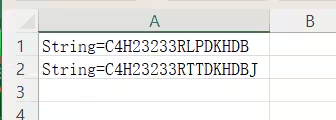
Finally, you can get result in CSV file.