Details
This article will help users get data using RS-232 communication for fixed-mount devices powered by CCB-PWRIO-xx, such as,
- DataMan 290,
- DataMan 390/DataMan 380
- DataMan 280,
- DataMan 260, etc.
Step 1:
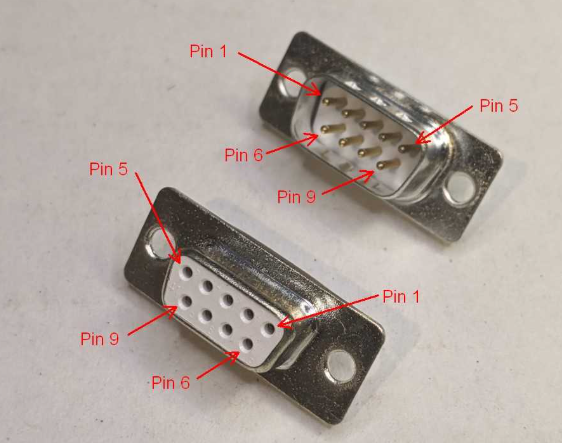
Connect 9-pin (DB9) connector on one end PC /PLC and a scanner cable (breakout cable) on the other end as below
| DB9 Pin | Signal Name | Direction (PC) | Scanner Wire | Power supply |
|---|---|---|---|---|
| 2 | RXD (Receive) | 2 | TX from scanner (White/Yellow) | |
| 3 | TXD (Transmit) | 3 | RX from scanner (Brown) | |
| 5 | GND | 5 | GND (Black) | 0V |
Note: If the power cable is CCB-M12x12Fy-xx, please use the TX and RX connections as per the wiring document
Step 2:
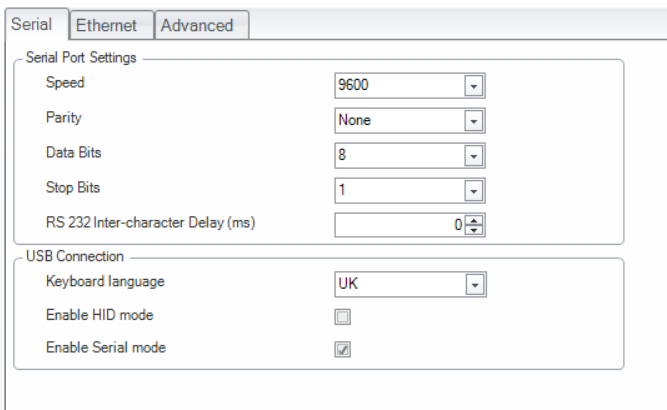
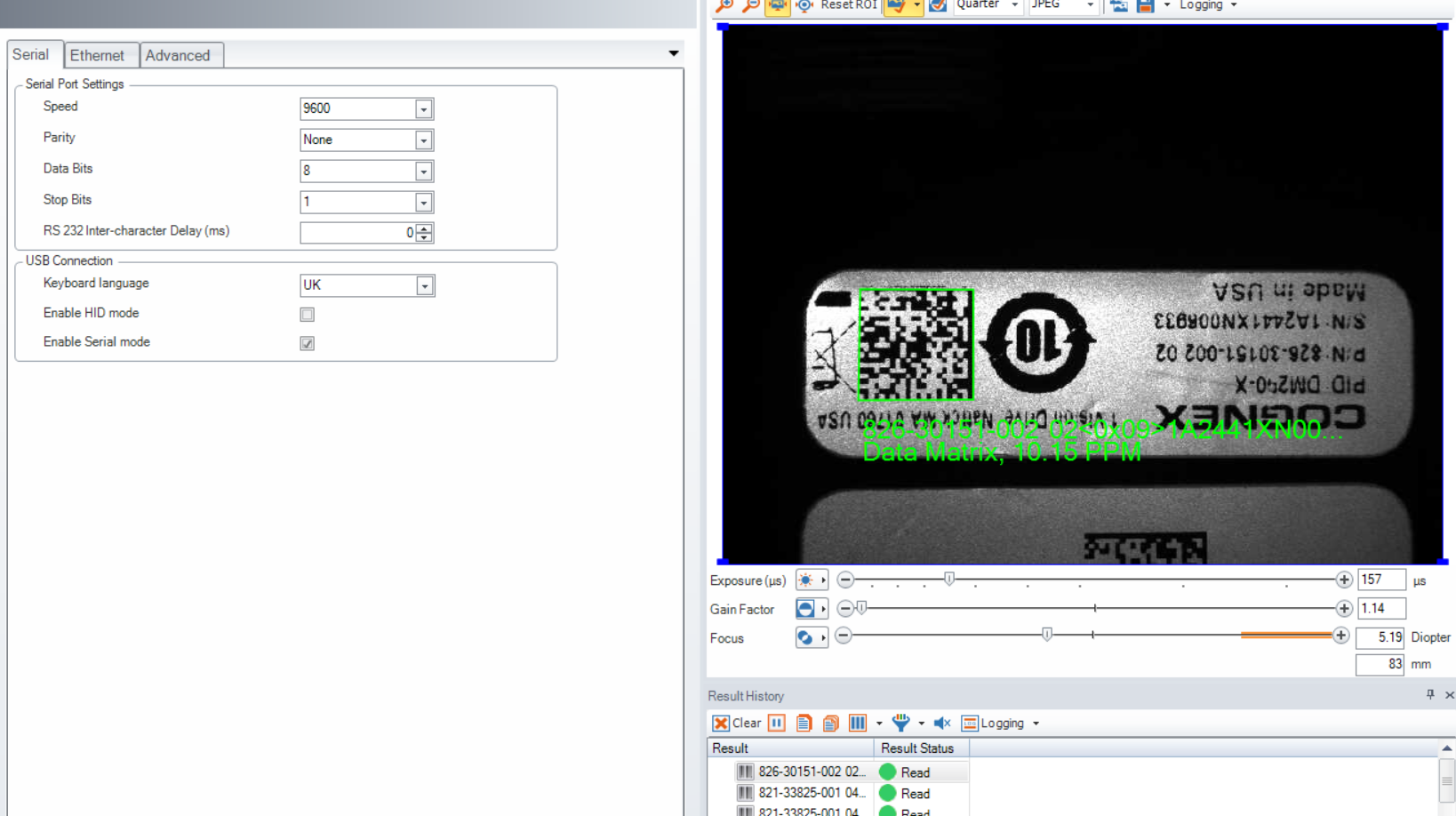
Open the DataCman -- > Go to communication -- > Serial communication tab ->> make sure the following settings are configured correctly
Step 3:
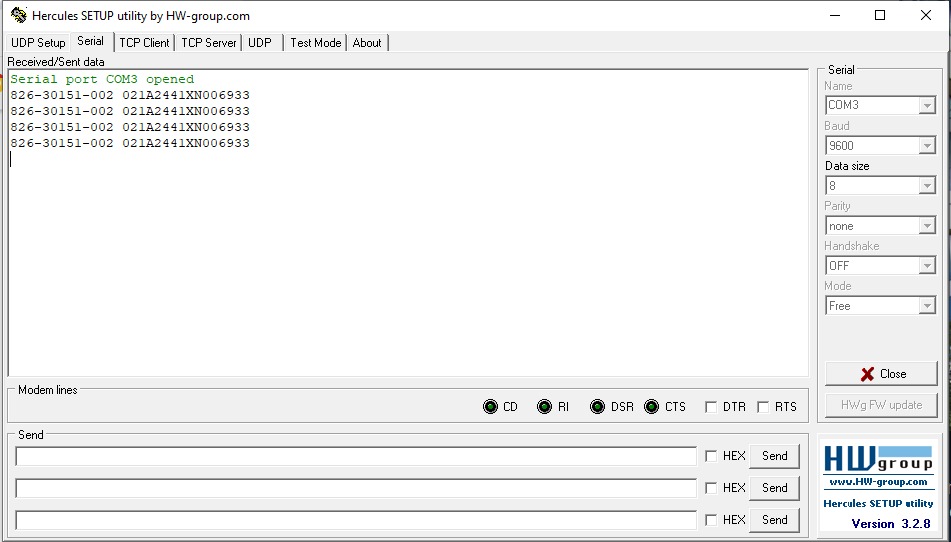
I am checking the data received using Hercules software, but you can use your own preferred software. I am sharing my setup here , in my case, the selected port is COM3, but you should choose your current port number. When you trigger the scanner, you will see the scanned result as shown below.