Details
- Launch your In-Sight Vision Suite
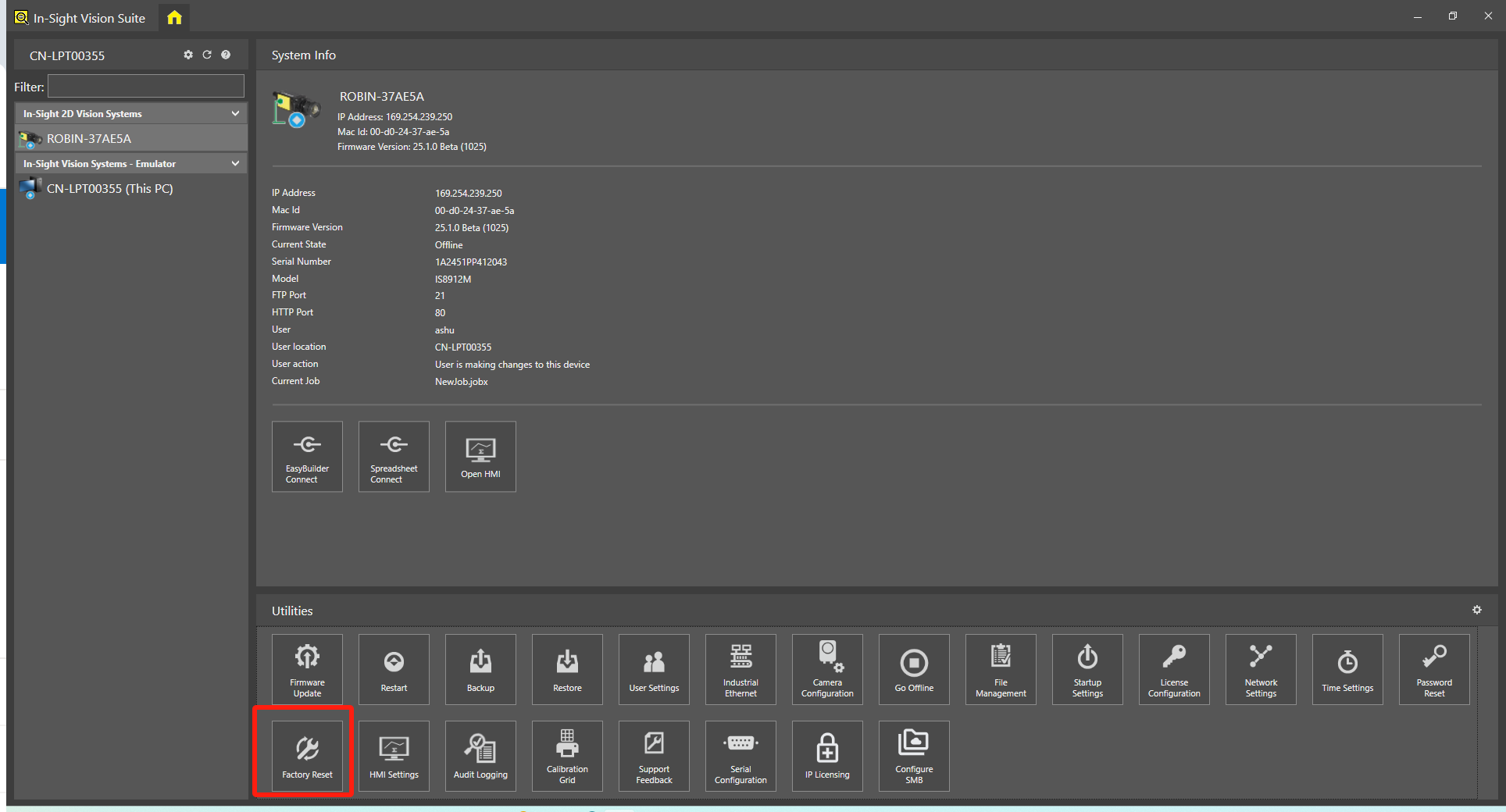
Find Factory Reset button in the list of Utilities and click
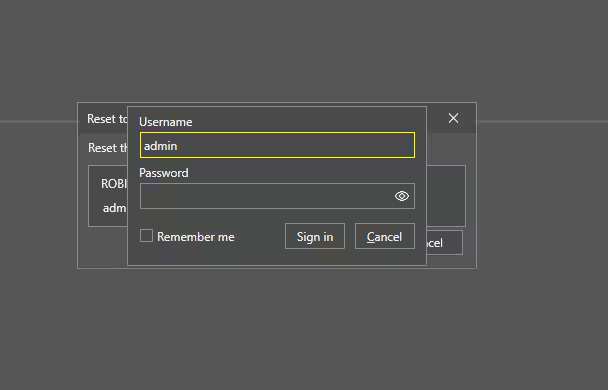
A dialog box will pop up asking you to enter your username and password. You can use your own username and password if you set it before, or use the default, click Sign in
Username: admin
Password: (blank)
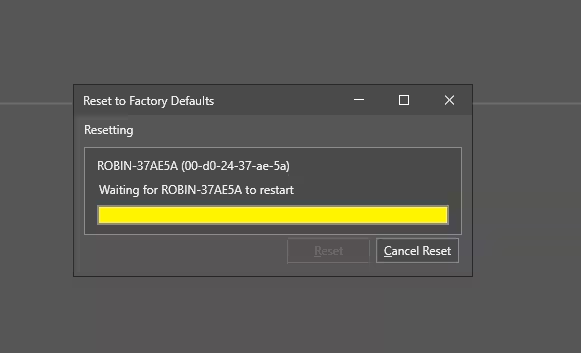
Then the Insight will start resetting to factory default
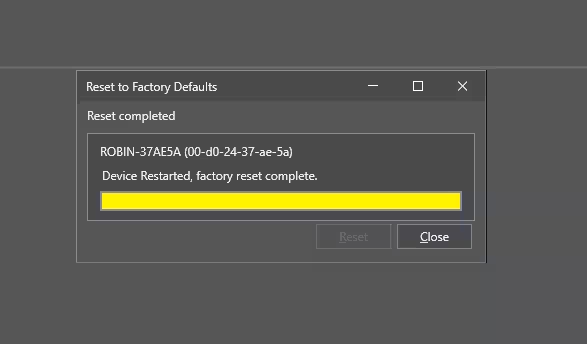
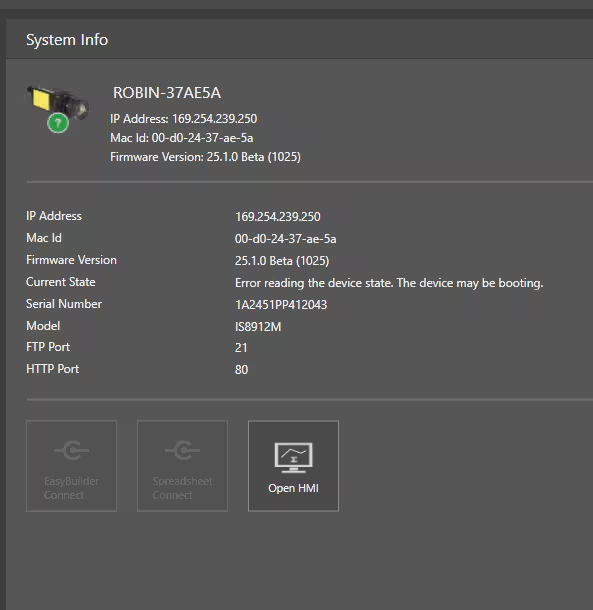
- When the factory reset is complete, click Close, wait for the insight to reboot and you're done.