Question
How do I save pictures with VisionView Web and In-Sight cameras?
Answer
For the In-Sight 2800 and 3800 series:
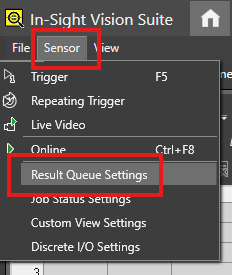
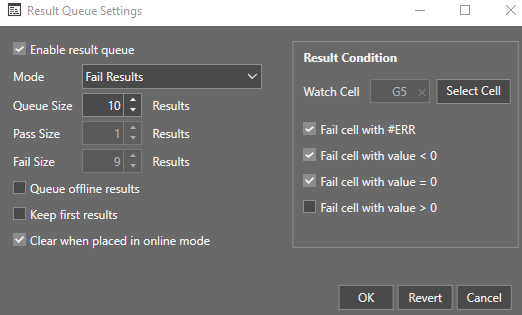
- Enable Result Queue Settings from In-Sight Vision Suite.
Select a Watch Cell as a Result Condition:
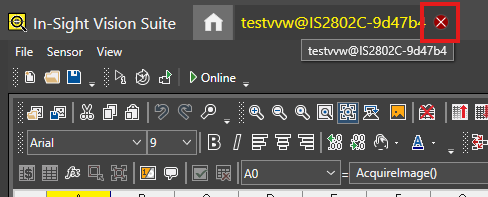
Close the camera tab on In-Sight Vision Suite.
- On the VisionView Web Panel, plug in a USB stick (FAT32 formatted), connect the camera to the panel, and finally turn on the panel.
- Set the camera to OFFLINE mode.
Click Freeze.
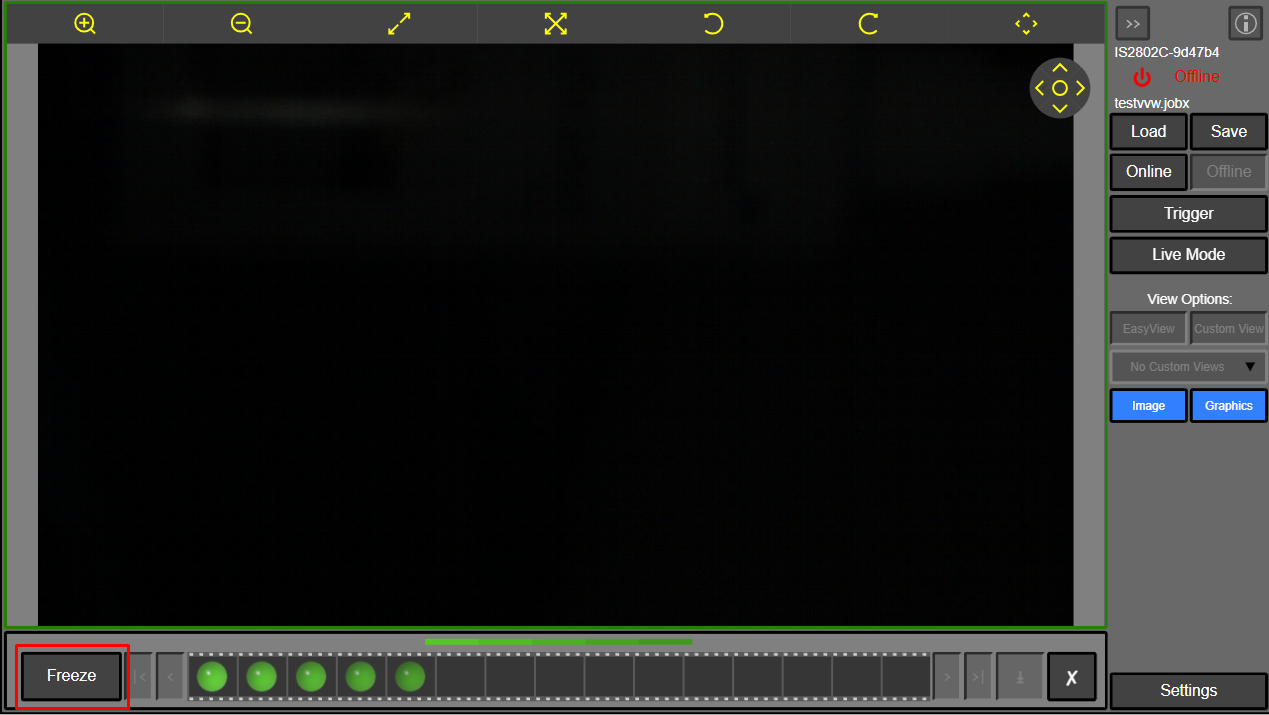
- Click Download.
- Select This PC.
Click Save All.
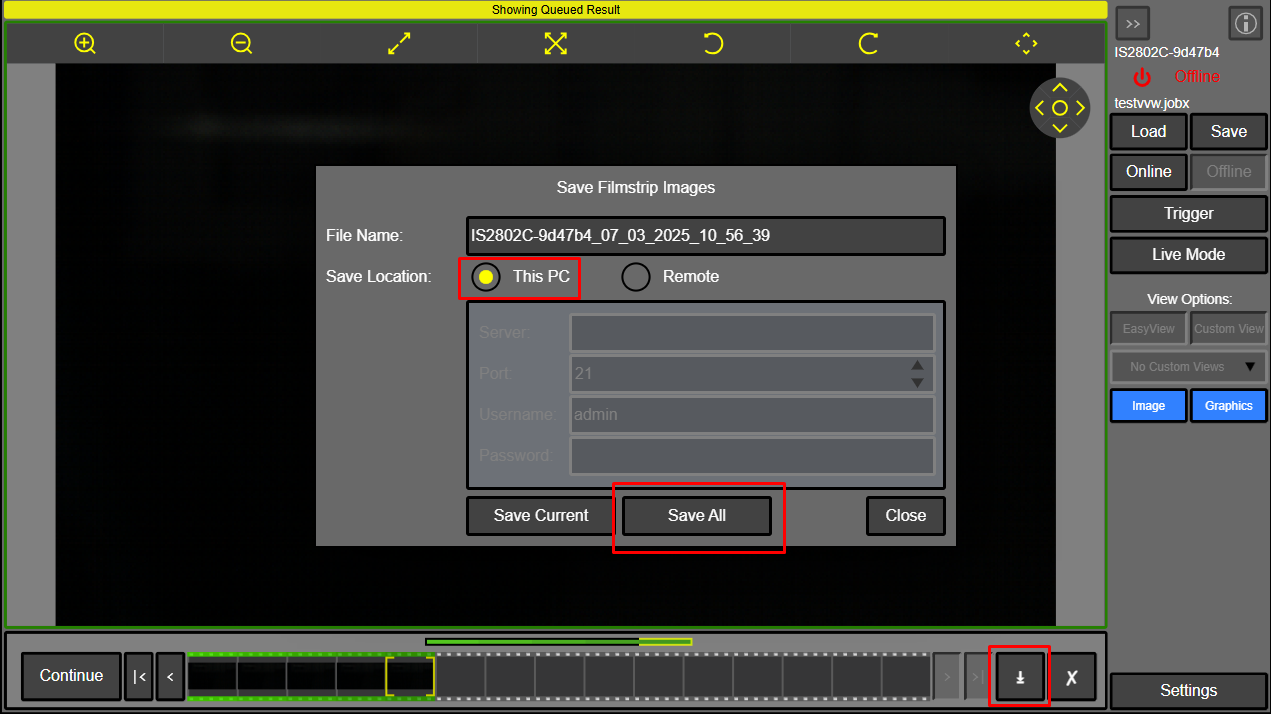
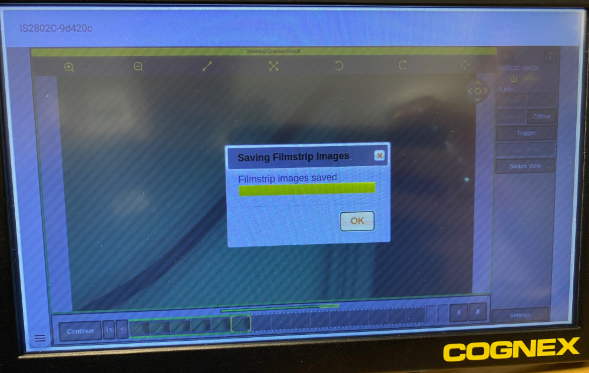
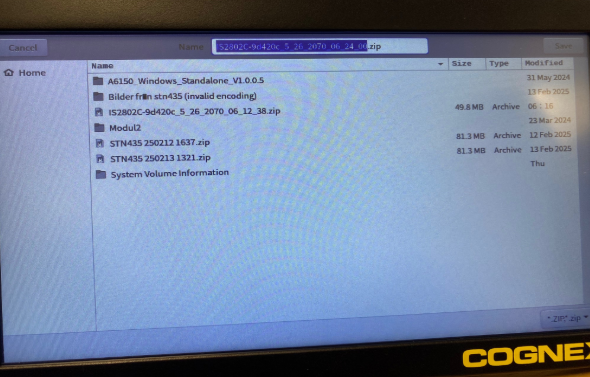
The filmstrip images will be saved onto the USB stick.
On the VisionView Web panel, you can save a .zip folder.
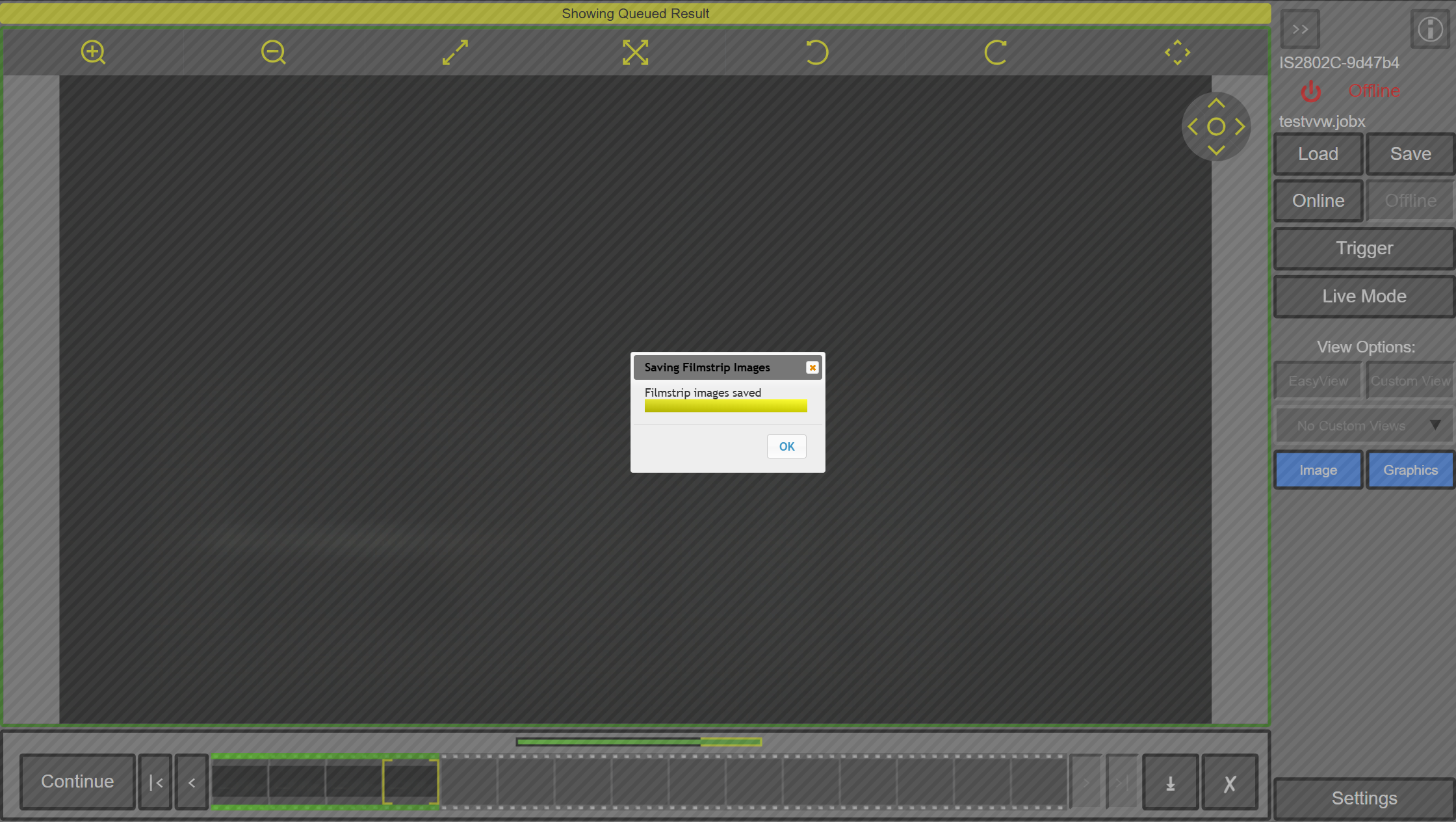
Wait during saving filmstrip images.
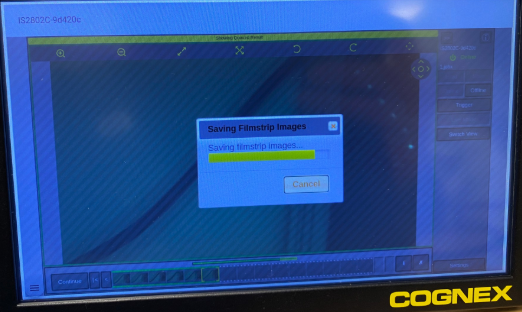
Click OK and wait to get all the images on the USB stick.