Details
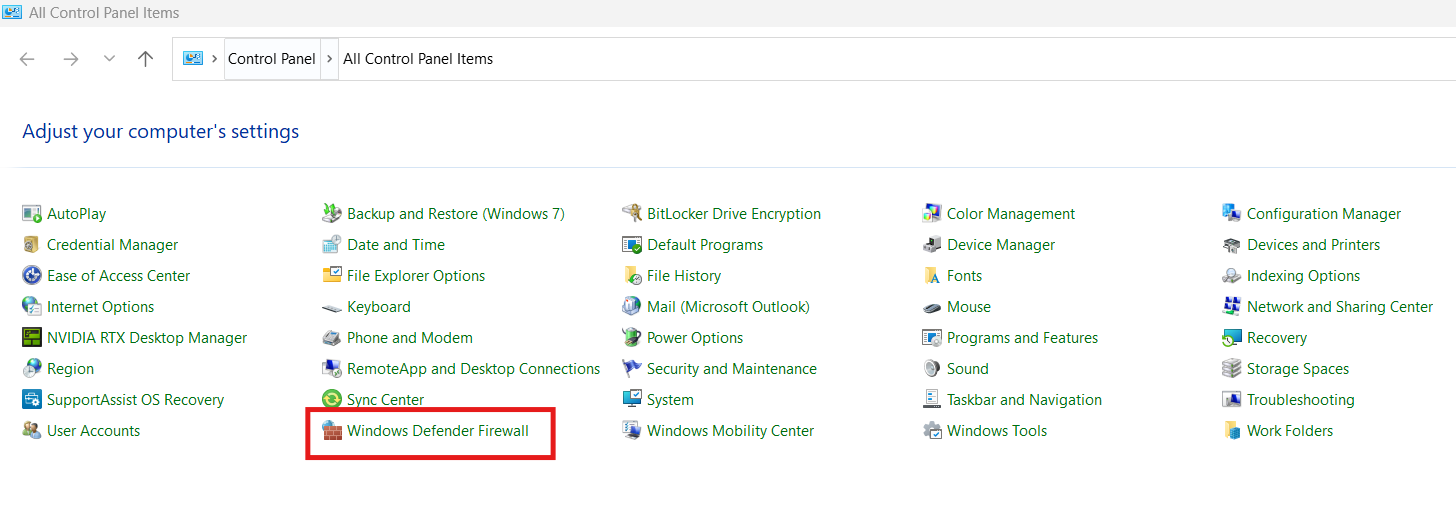
Open Control Panel >> Windows Defender Firewall
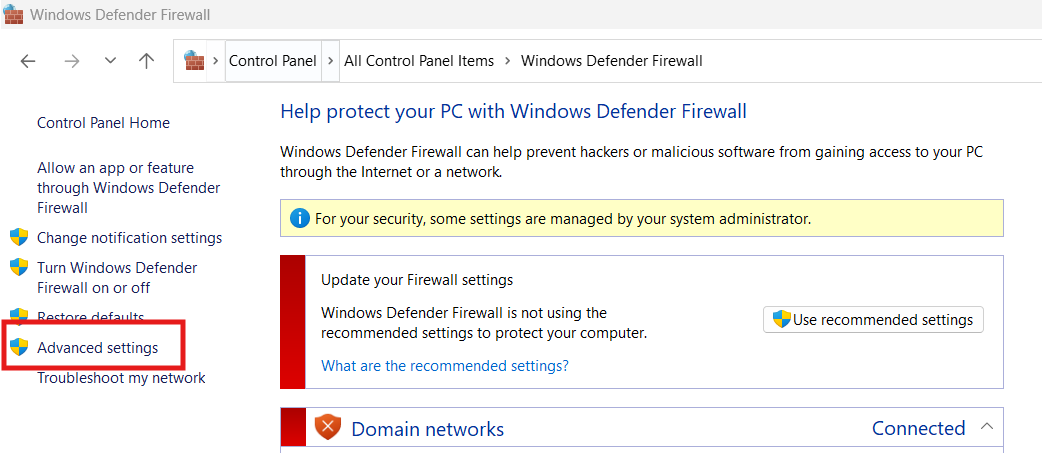
Click On Advanced Setting
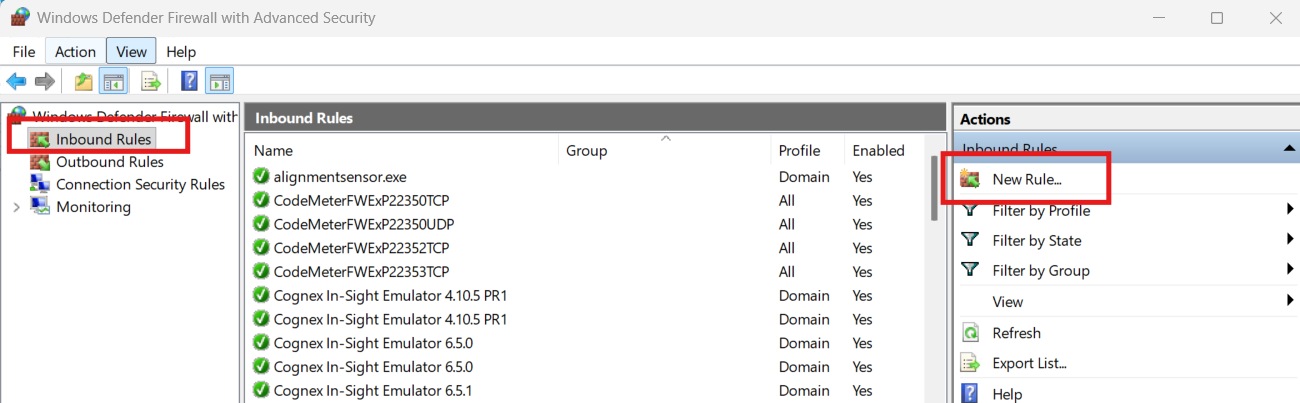
New Window Opens >> Then Inbound Rules >> New Rule >> Then New Window Will Open
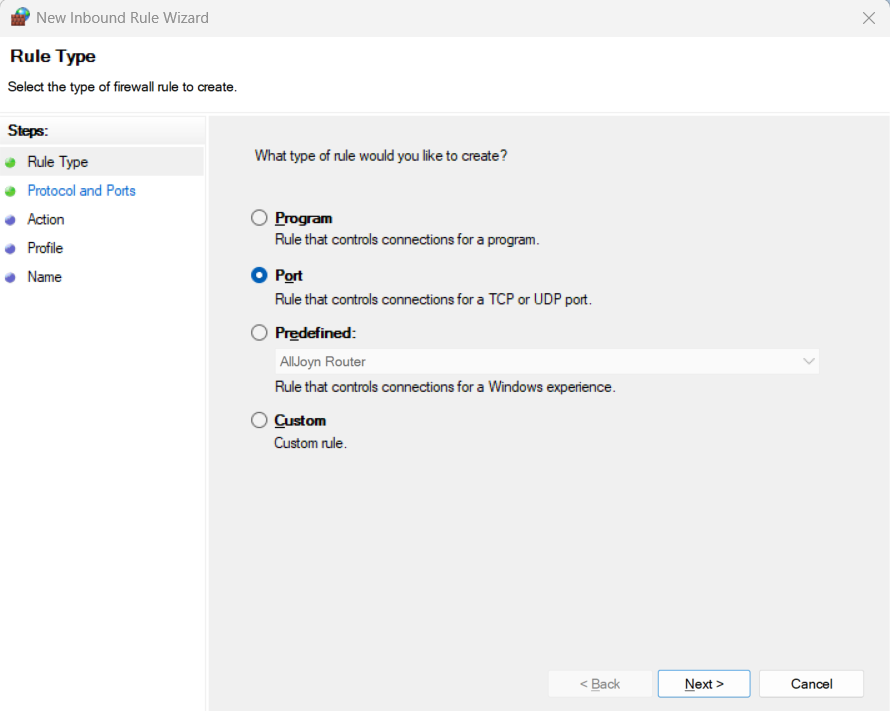
Select “Port” In Rule Type >> Click Next
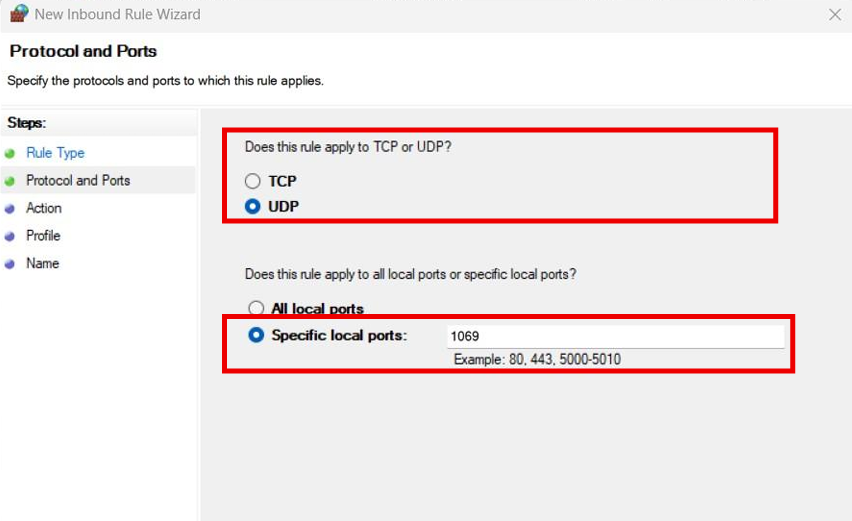
Select “UDP” >> “Specified local Ports” >> Enter “1069” Value >> Click Next
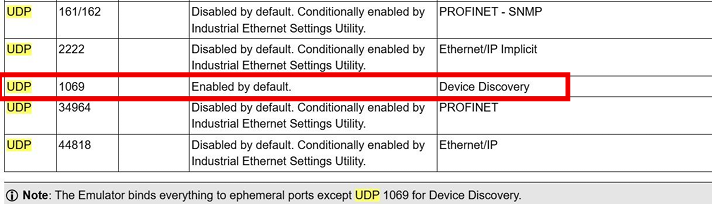
Ports Description For Cognex Camera Given in Cognex Help
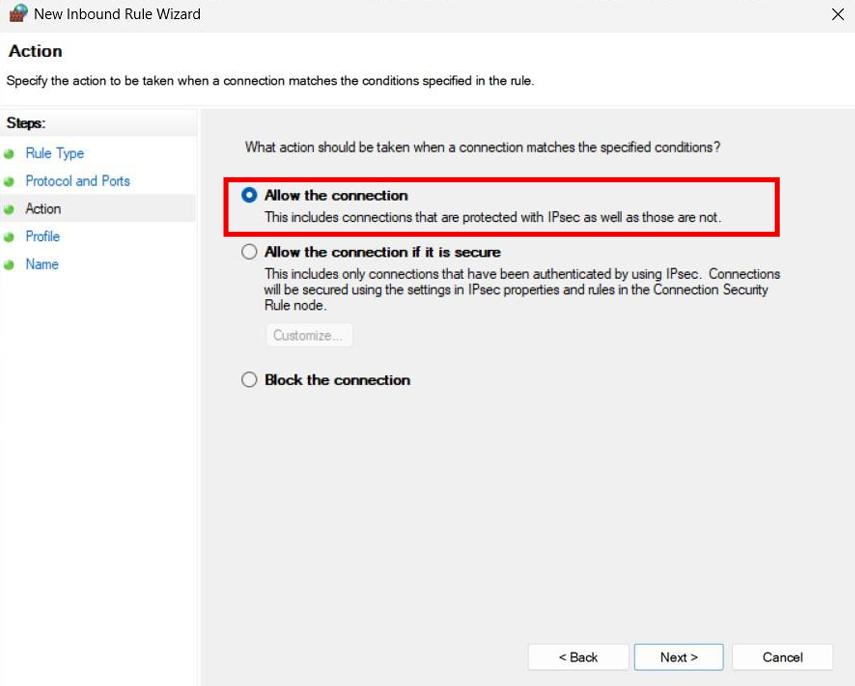
Then Click “Allow The Connection” >> Next
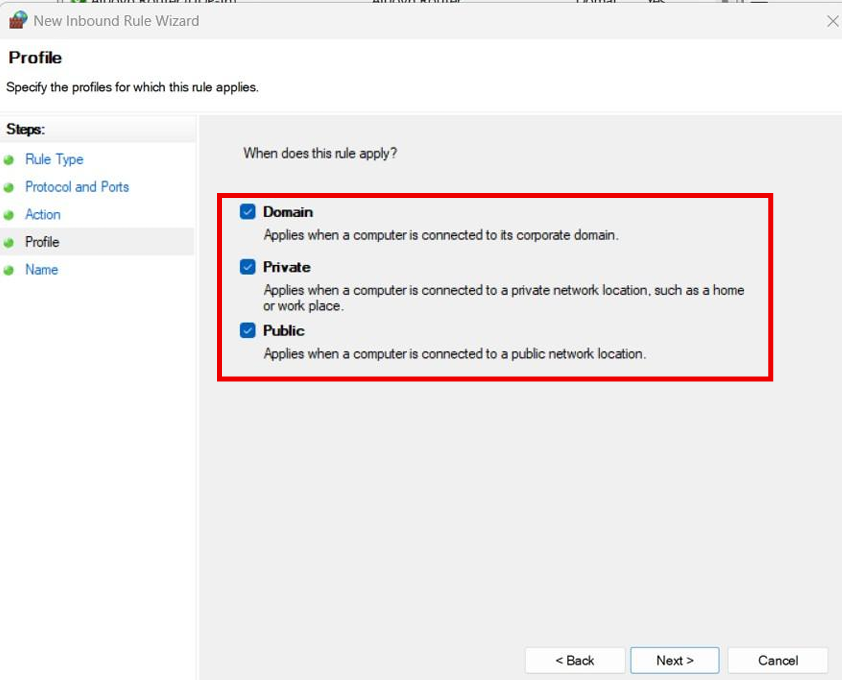
On Next Window, Select “Domain” , “Private” and “Public” and Click Next
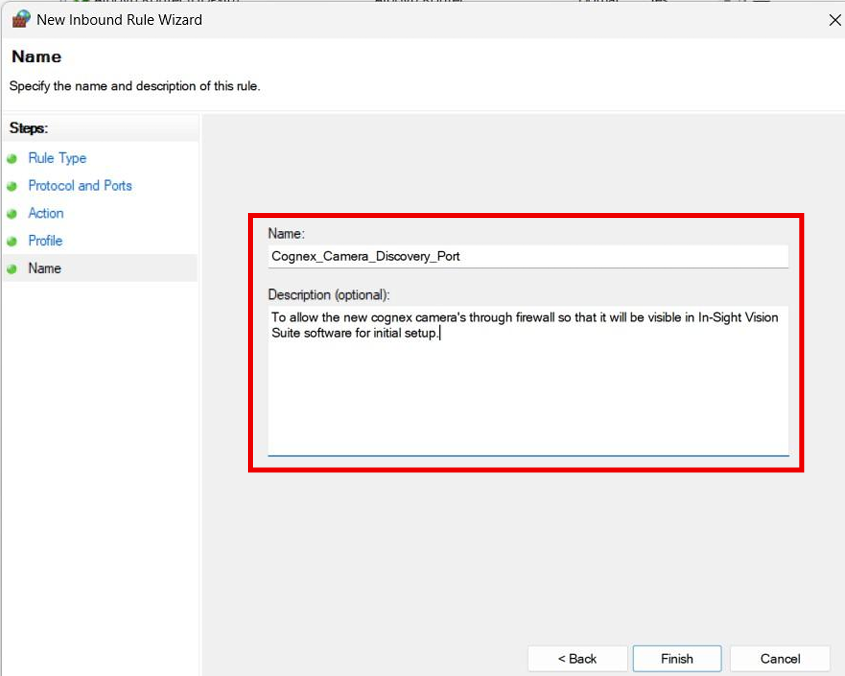
Then Enter The Rule Name and Description if required >> Click Finish