
Details
Start setup tool.
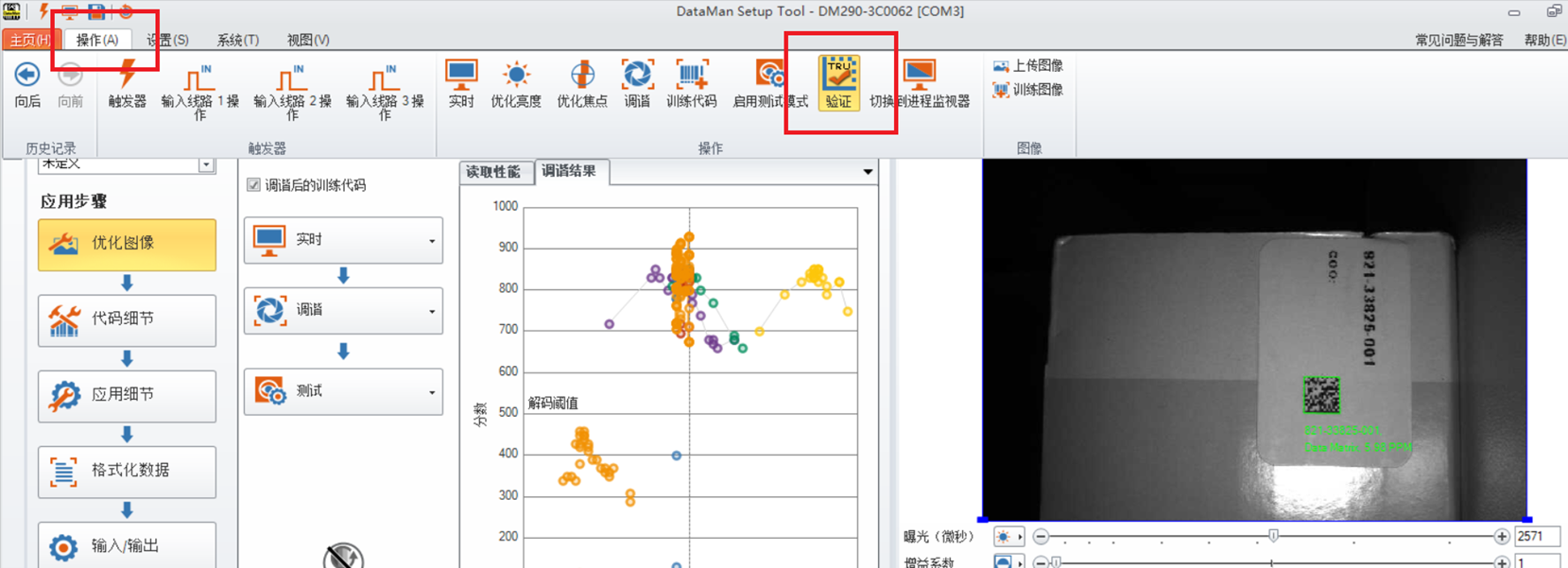
Connect the reader, navigate to the operation interface, select Verification, and the SBG function will be enabled immediately.
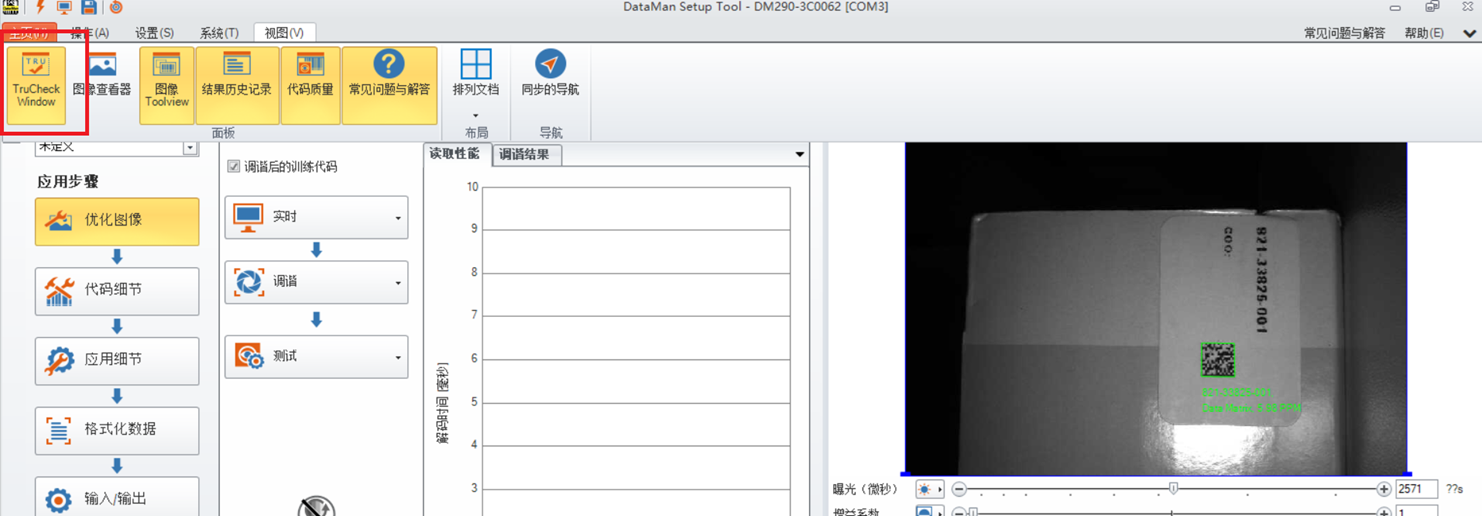
Enter -image view-select TruCheck Window.
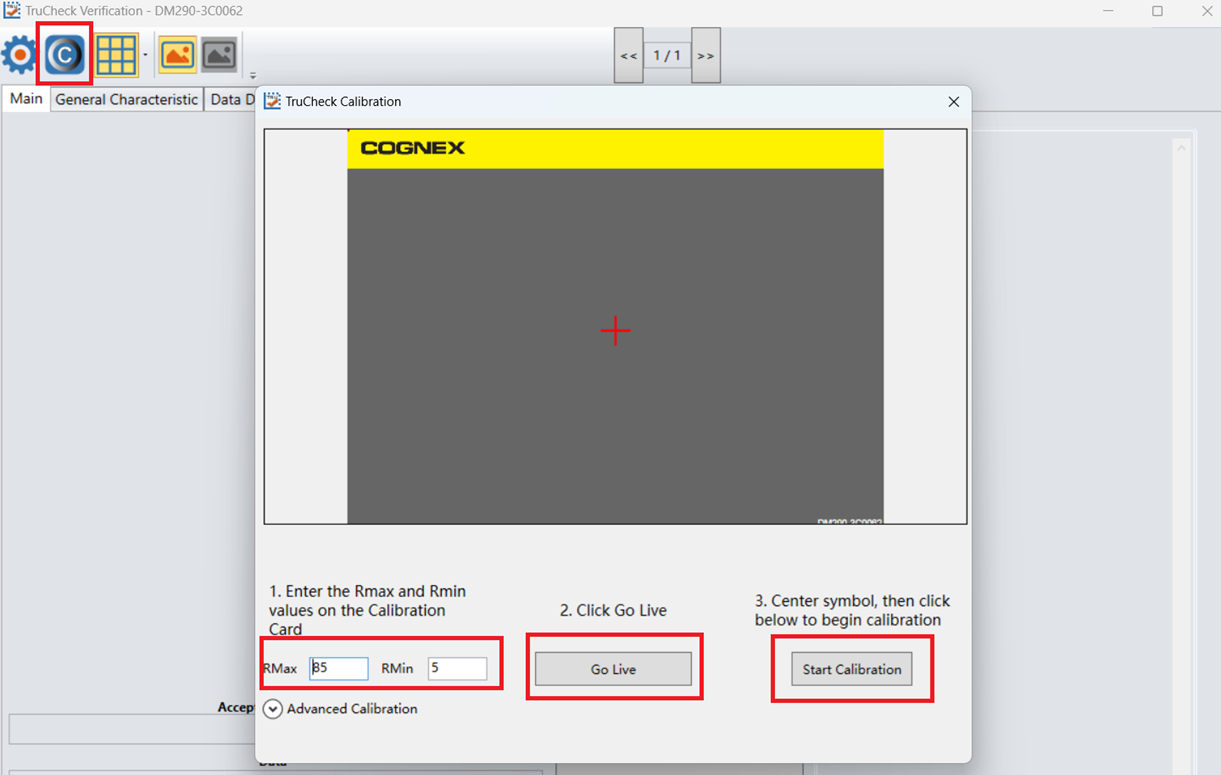
Access the TruCheck verification interface. When the message "The unit is not calibrated" pops up, it can be ignored. This is because we do not require a strict ISO - compliant grade, and the SBG function is mainly used to screen out damaged codes for in - factory code quality control.
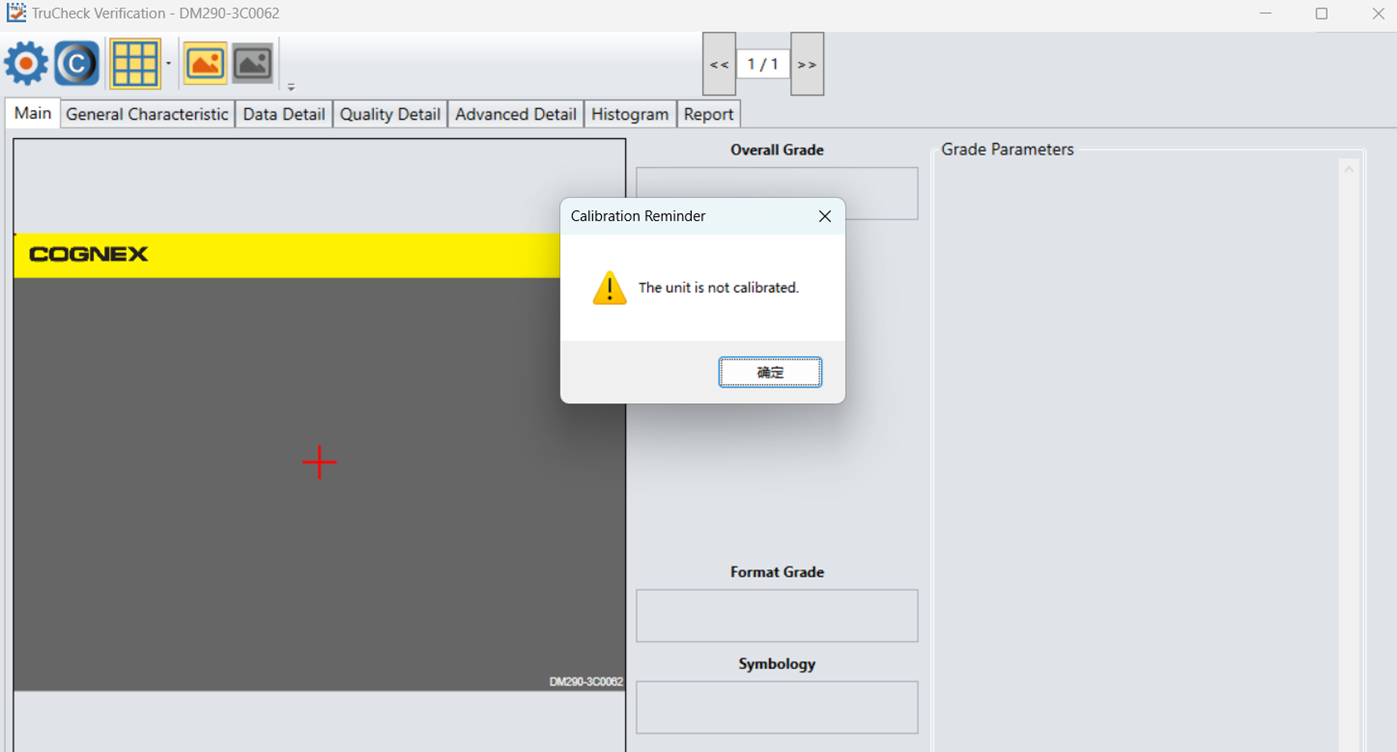
The setting of SBG is same as standard verifier.
Important Note: If you want to restore the reader to the code - only reading mode, you must disable the Verification function, as it will compromise the decoding speed.