Details
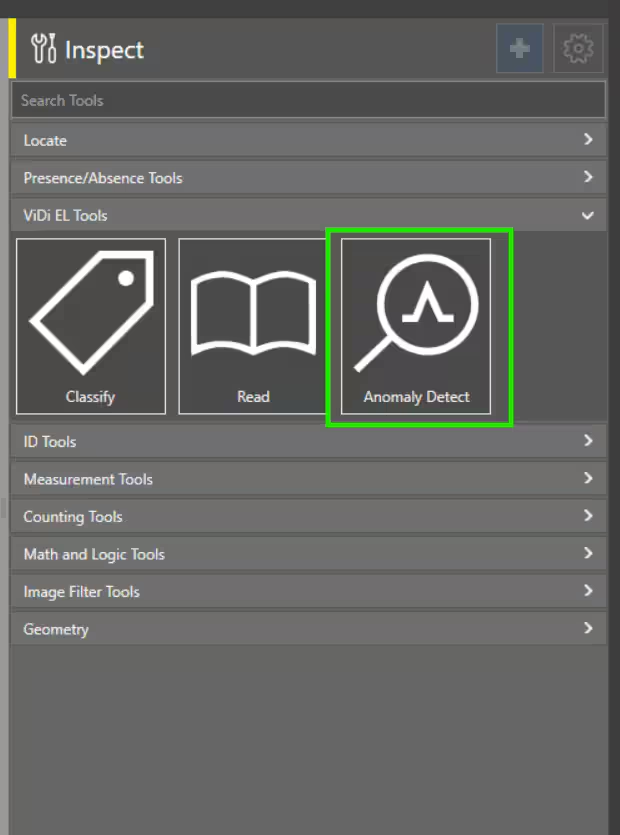
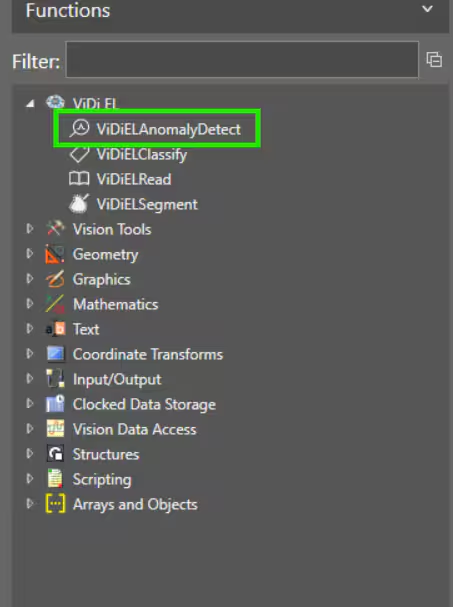
This article shows the 2 different methods to add and access ViDi EL Anomaly Detect tool in In-Sight Vision Suite emulator:
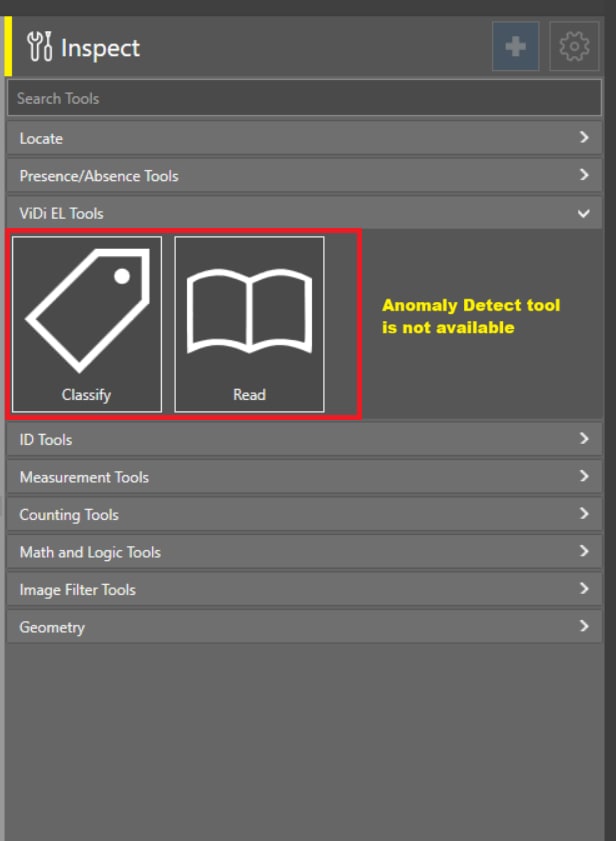
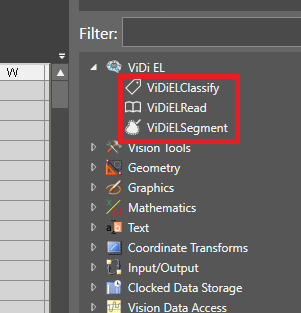
Resolution: Please follow any of the below 2 different methods to add ViDi EL Anomaly Detect tool in In-Sight Vision Suite emulator: Minimum ISVS v25.1.0 is required
Method 1: By using any of the dongle - 1. ISVS-EMU-ALL, 2. ALL-IN-ONE-WB, 3. ALL-IN-ONE-WB-PSI
Need to add the - 1. EL.C1I, 2. EL.C1T license bits
Use below FSU:
- FSU for ISVS-EMU-ALL is FSU-ISVS-EMU-AD
- FSU for ALL-IN-ONE-WB is FSU-ALL-IN-ONE-AD
- FSU for ALL-IN-ONE-WB-PSI is FSU-ALL-IN-ONE-AD
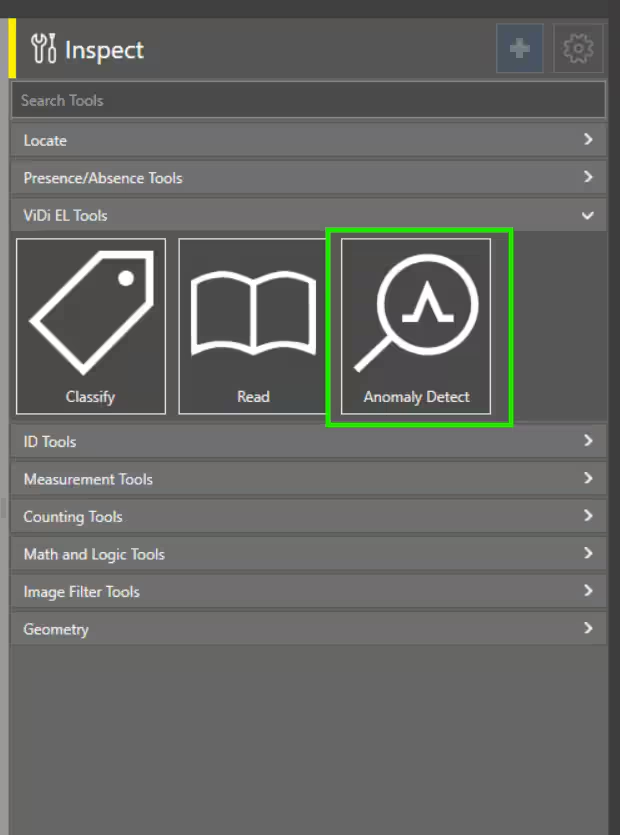
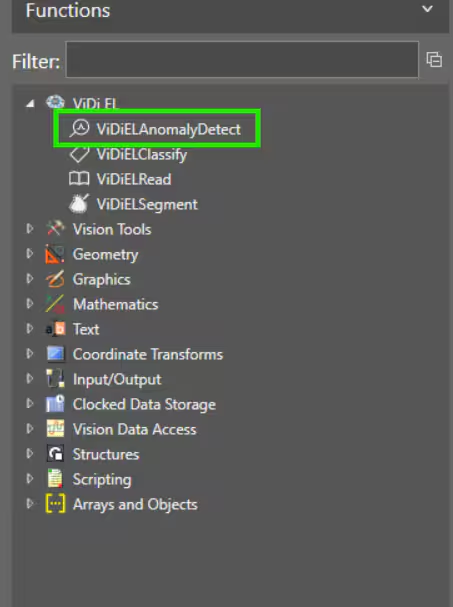
Method 2: By using Could licensing:
- Please ADD or Update clould licensing - Please update in case of cloud license was already added
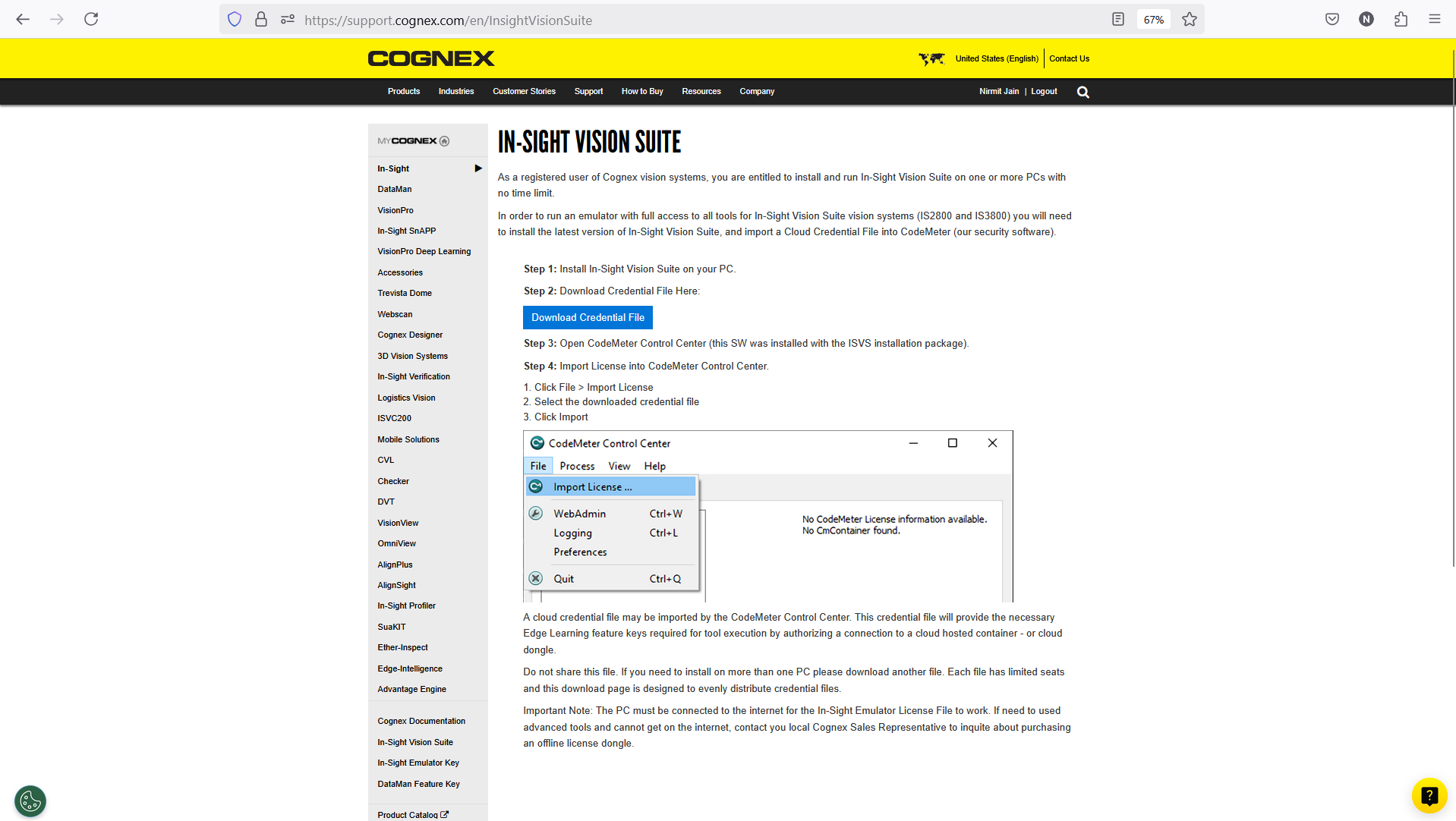
- Please follow the steps mentioned in below link to configure clould licensing to add ViDi EL tools in In-Sight Vision Suite emulator
- Please redirect to : cognex.com >> Support >> In-Sight Support >> In-Sight Vision Suite and follow the steps
- https://support.cognex.com/en/InsightVisionSuite