
Details
- From the DataMan Setup Tool :
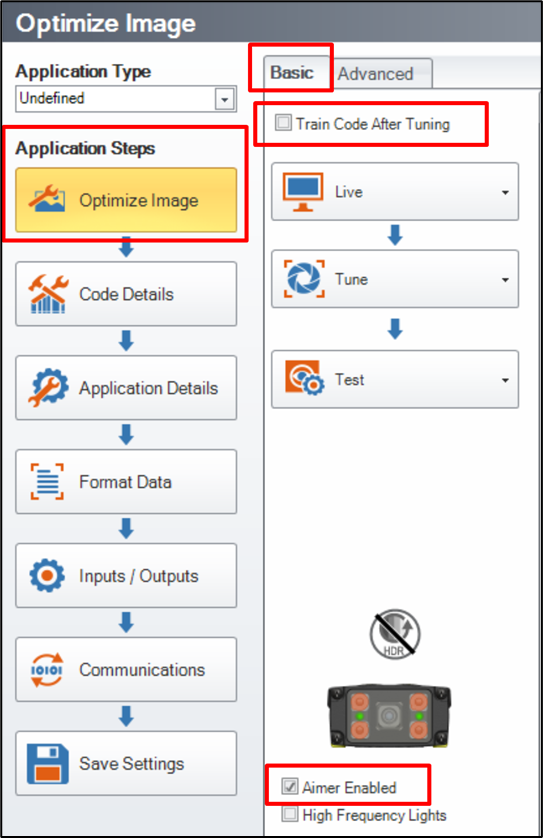
- Uncheck the box “Train Code After Tuning”,
Check the box “Aimer Enabled”, in order to know where the code has to be placed (ideally in the image center) :
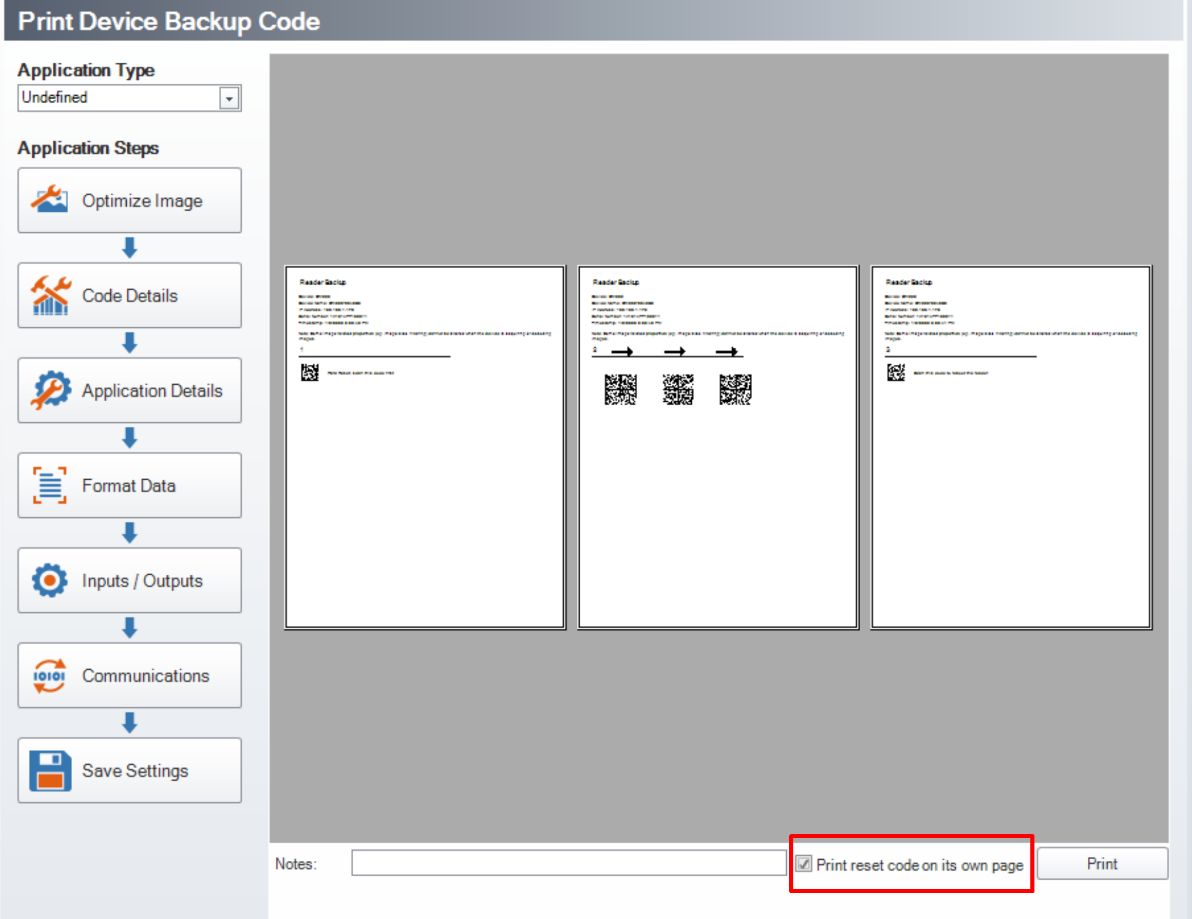
Then go to “System”, and click on « Print Device Backup Code » :

Check the box "Print reset code on its own page” in order to get three separated pages, and be sure to read the right code of each step :
- Print the 3 pages.
- First step : use the 1st page only :
Go to “Live Mode” and place the DataMatrix code (Step 1 « Hard Reset » code) in the image center :
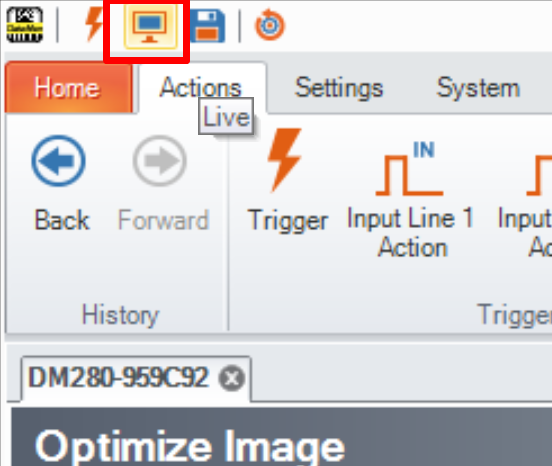
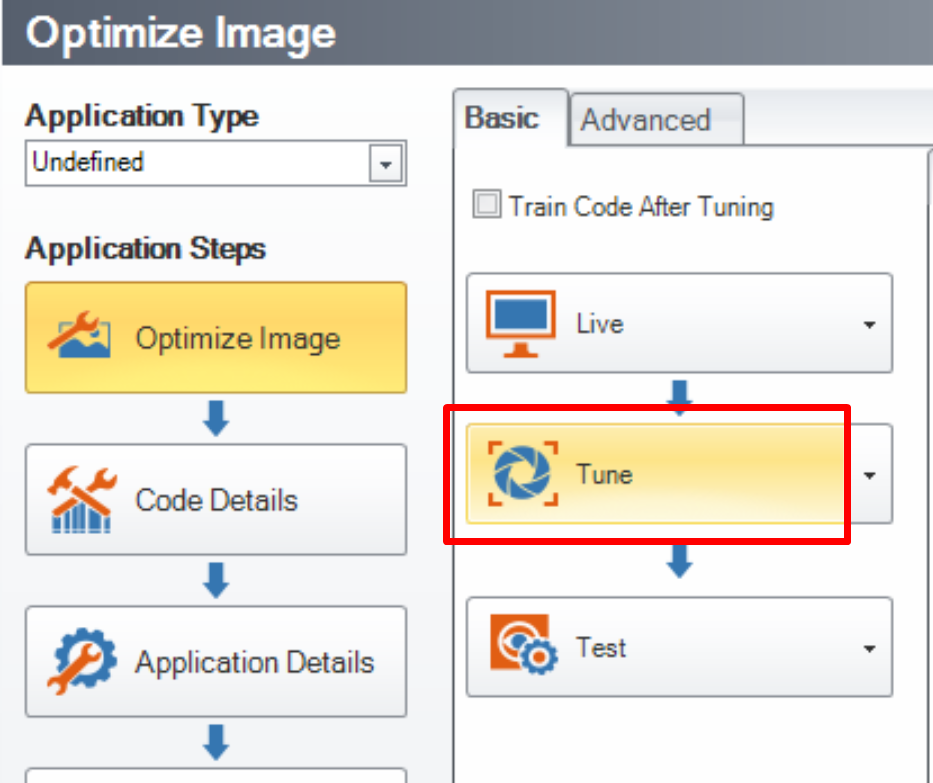
Stop the “Live Mode” and press the “Tune” button, so the reader will adjust the exposure time and the focus, to be able to read the « Hard Reset » code :
Send a manual trigger to the reader on the first DataMatrix code Sstep 1 « Hard Reset » code), then wait for the reader to reboot :
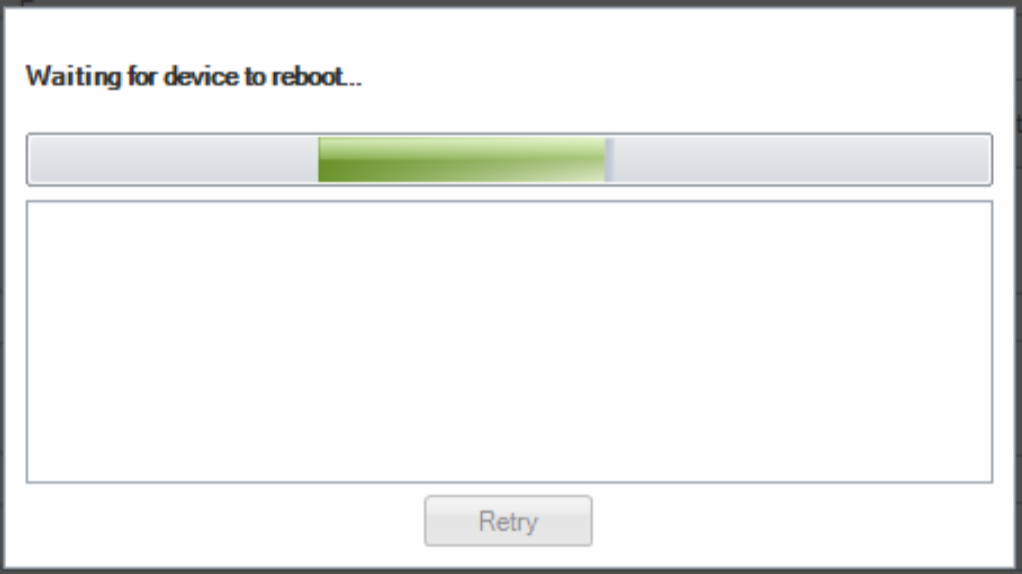
- This will initialize the reader and its IP address, with a dynamic IP (DHCP).
If the PC is using a static IP address, the reader cannot be found anymore :
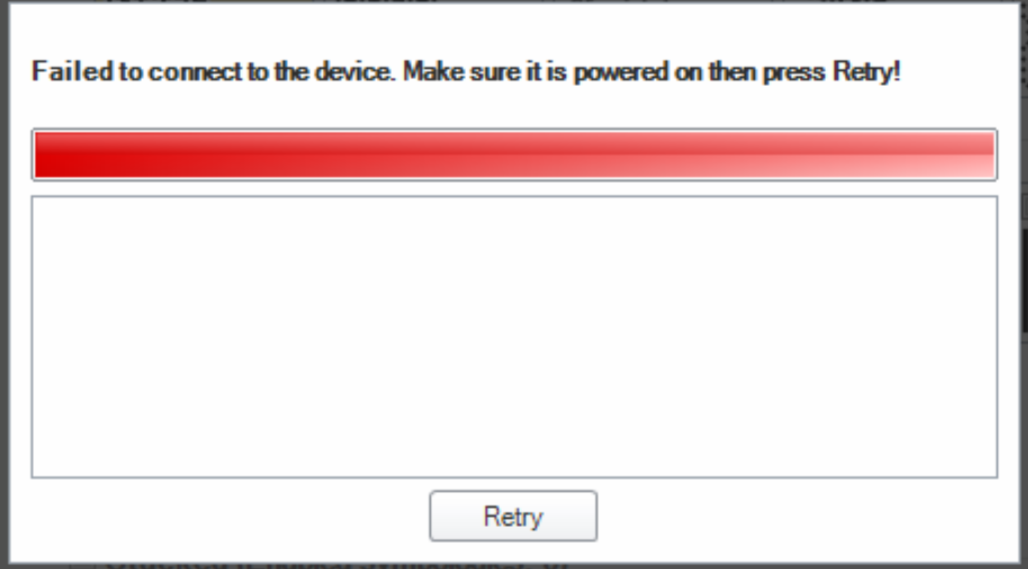
- Set the PC with a dynamic IP address (DHCP) to be able to connect to the reader.
- Once the connection is established, the « Exposure », the « Gain » and the « Focus » are back to factory default values, which means that the image will probably be too bright, and the focus won’t be correct.
- Go to “Live Mode” and place another code in front of the reader (Please use a different DataMatrix code from the printed codes used for the three steps of the « Backup » procedure).
- Stop the “Live Mode” and press the “Tune” button, so the reader will adjust the exposure time and the focus, to be able to read all the different configuration codes.
- Now use the second printed page, with 3 DataMatrix codes, and follow the step number 2 :
- The two codes on the right must be hidden, then send a trigger to the reader to only read the 1st code of the step 2.
When these « Backup » codes are properly read, the reader will not generate any “Read” or “NoRead” in the « Result History » :
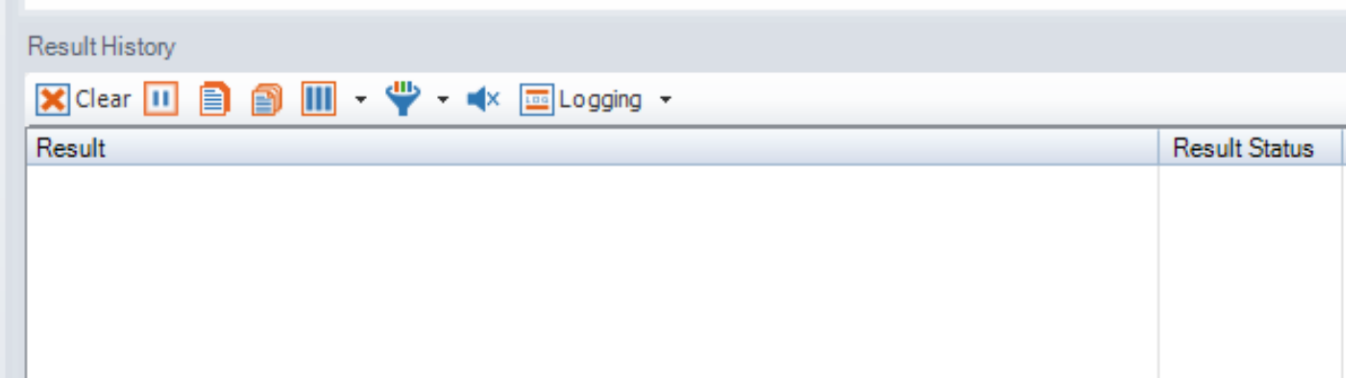
- If a « NoRead » is generated, the « Backup” codes have not been read, so try again.
- Then, the 1st and the 3rd codes must be hidden.
- Send a new trigger to the reader, to only read the 2nd code of the step 2.
- Finally, the 1st and the 2nd codes must be hidden, send a trigger to the reader, to only read the 3rd code of the step 2.
- Now, the reader needs to be restarted :
Ideally, by clicking on the read warning below :
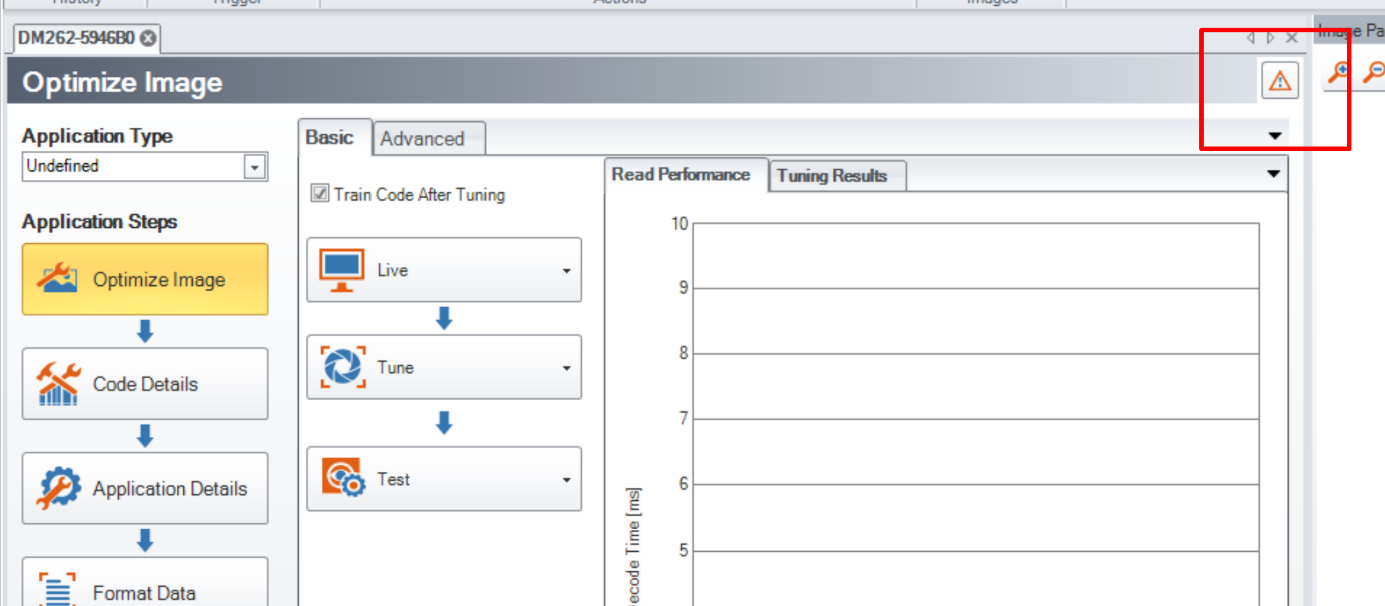
- Or by reading the code of the step 3 (3rd printed page).