
Details
How to add verification result to output string
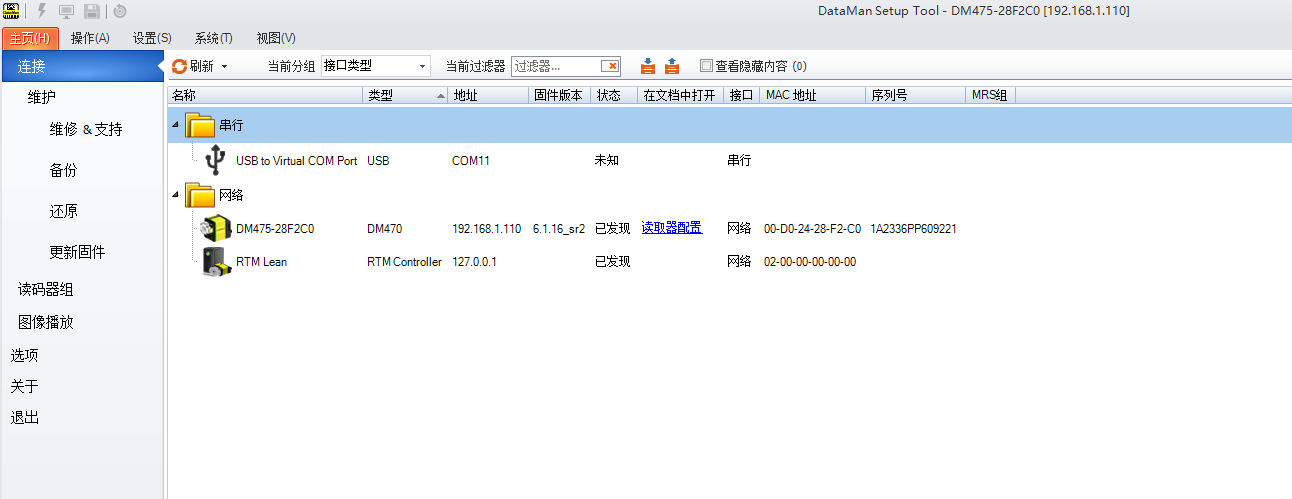
Open DMST and connect to the verifier
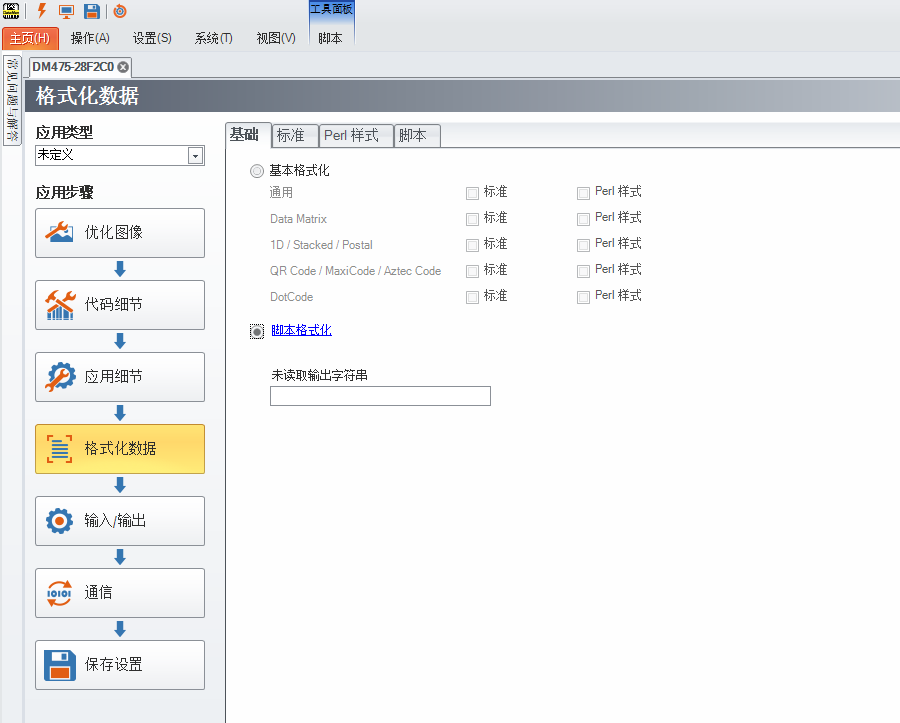
Open "Format data" and choose "Scripting"
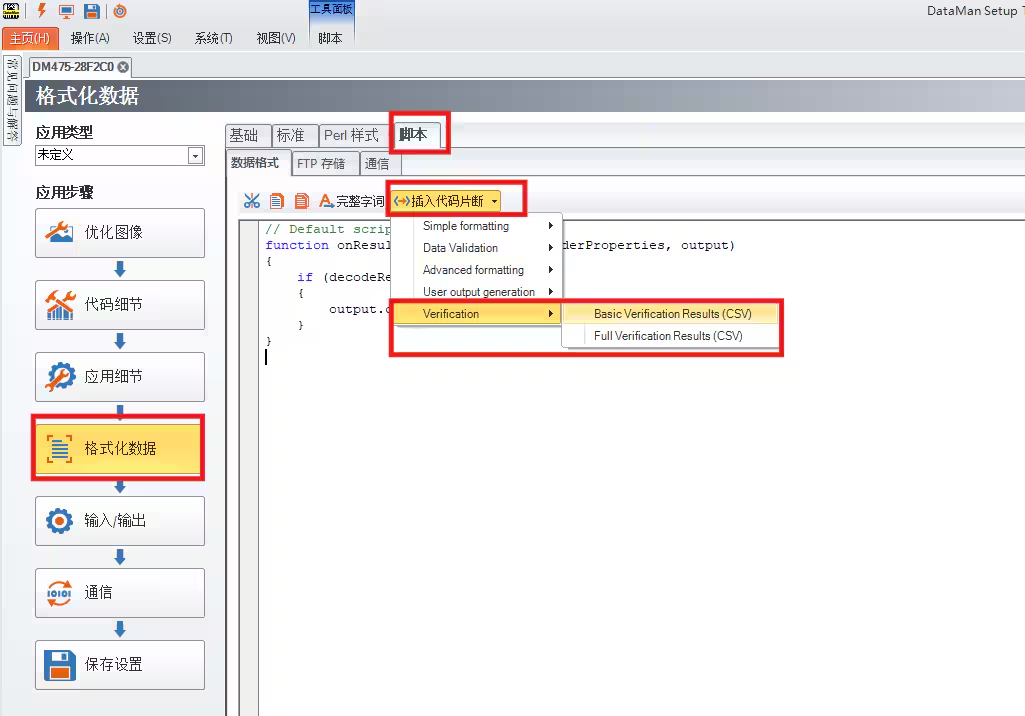
In the scripting interface, choose "insert scripting snippet", "Verification", and choose "Basic Verification Result" or "Full Verification Result" depends on customer's requirement.
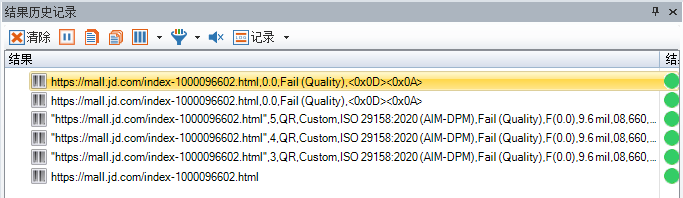
You can see the output string in the "Result History"
Details
How to add verification result to output string
Open DMST and connect to the verifier
Open "Format data" and choose "Scripting"
In the scripting interface, choose "insert scripting snippet", "Verification", and choose "Basic Verification Result" or "Full Verification Result" depends on customer's requirement.
You can see the output string in the "Result History"