Details
- The reader must be connected via Ethernet.
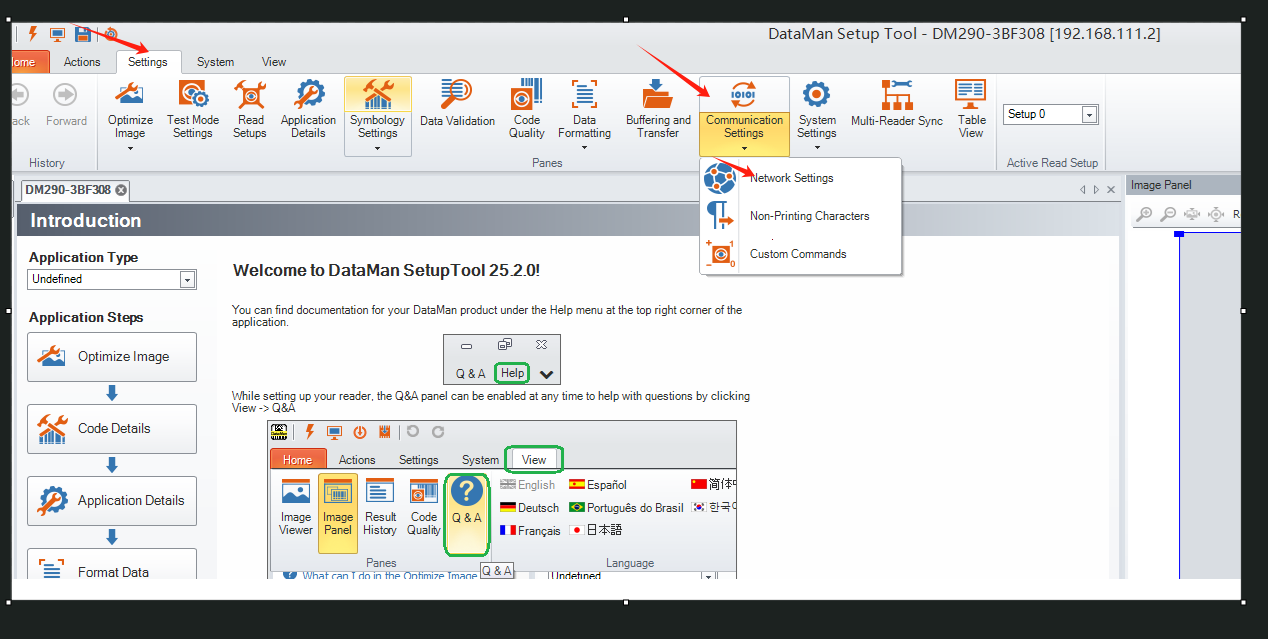
Access Settings > Communication Settings > Network Settings...
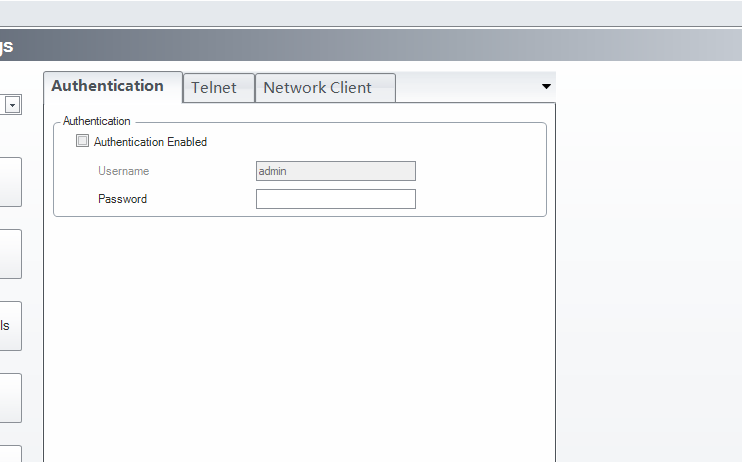
Authentication: Uncheck the Authentication option, then enter the password.
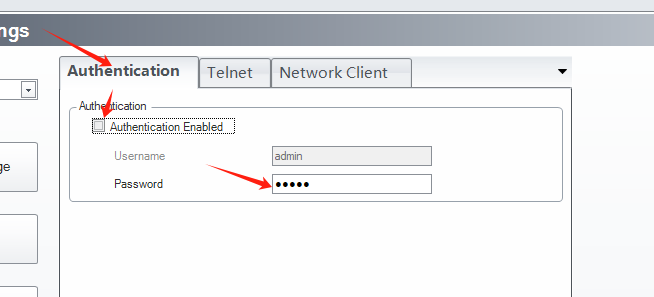
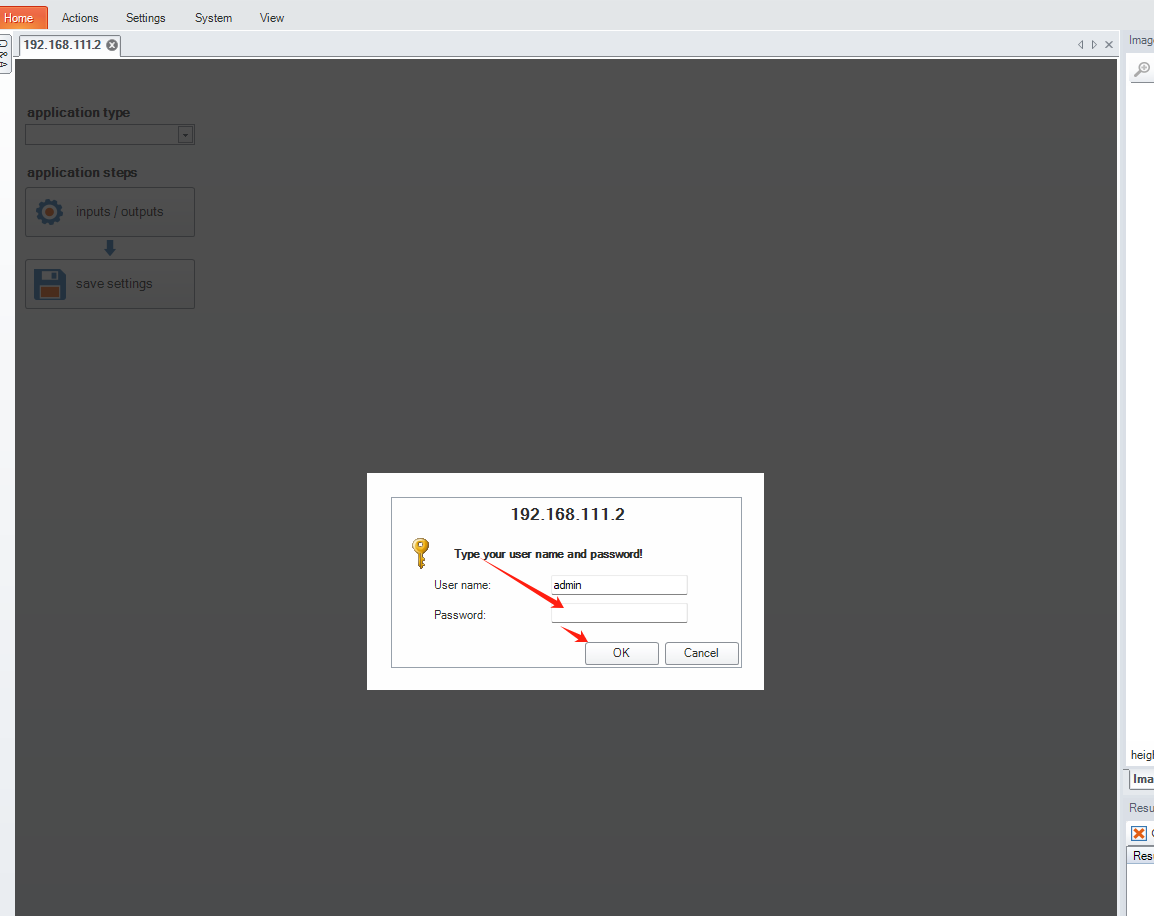
After enabling Authentication (by checking the option), save the settings. When you restart the software and reconnect to the reader, password authentication will be required.
- If the password is forgotten, you can manually restore the network to factory settings to delete the password.
Power off the reader > press and hold the TRIG button while powering it back on > keep holding until the reader’s indicator light flashes frequently > release the trigger button once the restart is successful to complete the reset.
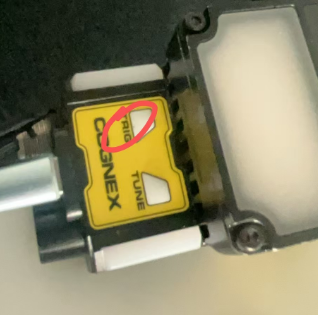
Reconfigure the IP address to ensure that the reader’s IP address and the local IP address are in the same network segment. Connect to the reader and verify that the password has been cleared.